
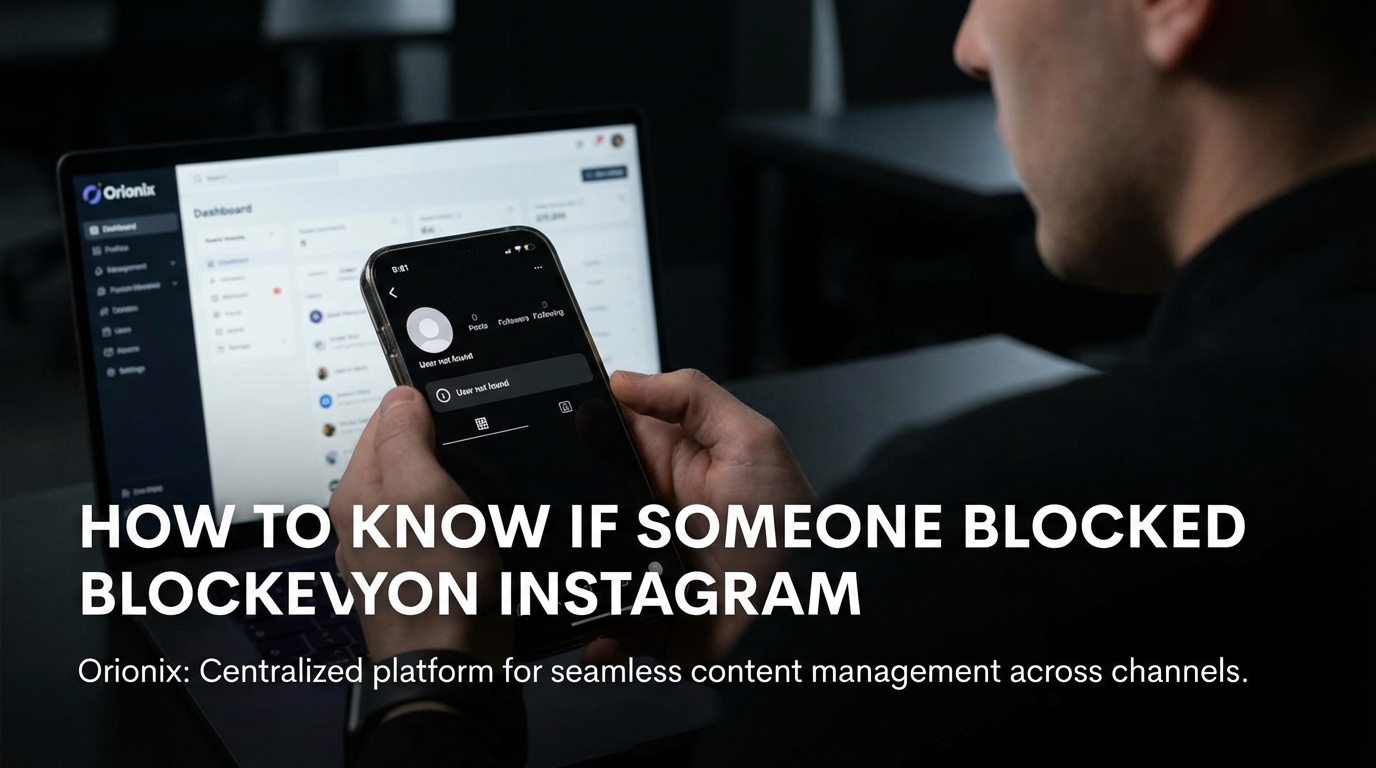
TL;DR: To know if someone blocked you on Instagram, search for their username in the app. If their profile doesn’t appear or shows no posts with a « No Posts Yet » message despite previous content, you’re likely blocked. You also won’t find them in your followers list or previous conversations, confirming the block.
Frequently Asked Questions

How to know if someone blocked you on Instagram?
To know if someone blocked you on Instagram, search for their username in the search bar. If their profile doesn’t appear or shows ‘No Posts Yet’ with zero followers and following counts, you’re likely blocked. Additionally, previous direct messages will remain visible, but you won’t see their profile picture, and you cannot send new messages to them.
What happens when someone blocks you on Instagram?
When someone blocks you on Instagram, you can no longer view their profile, posts, or stories. Their comments and likes on your posts disappear, and you cannot tag them in photos or send direct messages. Existing DM conversations remain visible to you, but their profile picture disappears and shows as ‘Instagram User’ in some cases.
Can you still see messages from someone who blocked you on Instagram?
Yes, you can still see previous message conversations from someone who blocked you on Instagram. However, their profile picture will disappear from the chat, and you won’t be able to send new messages. The existing conversation history remains accessible in your direct messages, but clicking their name won’t show their current profile.
What’s the difference between being blocked and someone deactivating their Instagram account?
When blocked, you can’t find their profile in search, but mutual conversations remain. When someone deactivates their Instagram account, their entire profile disappears completely from the platform, including all comments, likes, and direct message conversations. To deactivate Instagram temporarily, users access account settings, while blocking is a targeted action against specific users.
How can you tell if someone unfollowed or blocked you on Instagram?
If someone unfollowed you, you can still view their profile, posts, and stories if their account is public. If blocked, their profile becomes completely inaccessible through search, and you see ‘No Posts Yet’ or nothing at all. Unfollowing only removes them from your followers list, while blocking prevents all interactions and visibility.
Can you use social media management tools to check if you’re blocked on Instagram?
Social media management platforms like Orionix help you monitor engagement metrics and follower changes across social media platforms, but they cannot definitively confirm if someone blocked you. These tools can track follower decreases and engagement patterns, which may indicate blocking, but Instagram’s privacy settings prevent third-party tools from accessing block-specific information.
Does Instagram notify you when someone blocks you?
No, Instagram does not send notifications when someone blocks you. The platform maintains user privacy by keeping blocking actions private. You’ll only discover you’re blocked when attempting to view their profile, send messages, or search for their account. This privacy feature is consistent across all social media platforms to prevent confrontation.
How does being blocked affect your Instagram marketing strategy?
Being blocked by users can impact your social media marketing efforts by reducing reach and engagement metrics. For digital marketing professionals using platforms to gain followers on Instagram, monitoring account accessibility is crucial. If key audience members block your account, it may signal content issues. Using social media management tools helps track engagement patterns and adjust your posting strategy accordingly.
Understanding Instagram Blocking: What You Need to Know

Discovering whether someone has blocked you on Instagram can be an uncomfortable experience, but it’s important to understand the signs and symptoms. If you’re wondering how to know if someone blocked you on Instagram, you’re not alone—millions of users face this uncertainty every day when they notice sudden changes in their ability to interact with certain accounts.
Instagram blocking is a privacy feature that allows users to restrict others from viewing their content and interacting with their profile. Unlike other social media platforms, Instagram doesn’t send notifications when someone blocks you, making it challenging to determine if you’ve been blocked or if the account has simply been deactivated.
Understanding the difference between being blocked and other account statuses is crucial for anyone involved in social media marketing or managing multiple client relationships. This comprehensive guide will walk you through all the telltale signs and verification methods. 📱
Primary Signs Someone Has Blocked You on Instagram

Unable to Find Their Profile Through Search
The most obvious indicator that someone has blocked you is the inability to find their profile through Instagram’s search function. When you type their username into the search bar, their account simply won’t appear in the results.
However, this isn’t always conclusive evidence. The user might have:
- Deactivated their account temporarily (similar to how to deactivate Instagram processes)
- Changed their username without notifying you
- Deleted their account entirely (following steps on how can you delete an Instagram account)
- Set their account to private with a changed username
Direct Message Conversations Disappear or Change
When someone blocks you on Instagram, your previous direct message conversations undergo noticeable changes. The conversation thread may still exist, but you’ll observe specific alterations that indicate blocking. 💬
Key changes in DM behavior include:
- Messages show as sent but never delivered
- The user’s profile picture disappears from the conversation
- You cannot send new messages to the conversation
- Tapping their name shows « Instagram User » instead of their username
Profile Access Completely Restricted
If you manage to access the profile through an old link or tag, you’ll encounter a blank profile page. This differs significantly from a private account, which still displays the profile picture, bio, and follower counts.
A blocked profile shows:
- No posts available message
- Zero posts, followers, and following counts
- No profile picture or bio information
- No option to follow or message the user
How to Confirm If You’ve Been Blocked on Instagram
Method 1: Search from a Different Account
The most reliable way to confirm blocking is to search for the suspected user from another Instagram account. This could be a friend’s account or a secondary account you manage for digital marketing purposes.
If the profile appears normally on the alternate account but not on yours, you’ve likely been blocked. This method provides near-certain confirmation of blocking status. ✅
| Method | Reliability | Time Required | Privacy Level |
|---|---|---|---|
| Search from Different Account | 95% | 1-2 minutes | High |
| Check Tagged Photos | 80% | 3-5 minutes | Medium |
| Review Comments History | 70% | 5-10 minutes | Medium |
| Direct Link Access | 85% | 1 minute | High |
Method 2: Check Tagged Photos and Mentions
Navigate to posts where you know the person was previously tagged. If you were blocked, their username will appear as plain text rather than a clickable link. When tapped, it won’t direct you to their profile.
This method works particularly well for social media marketing professionals who regularly track mentions and tags across campaigns. Similar to how you might understand Instagram icons, recognizing these subtle changes helps you navigate the platform effectively.
Method 3: Review Comment History
Look for posts where the person previously commented. If they’ve blocked you, their comments may still be visible, but tapping their username won’t take you to their profile. Instead, you’ll see a message indicating the profile isn’t available. 🔍
This differs from deleted accounts, where comments typically disappear entirely, similar to when users follow how can you delete an Instagram account procedures.
Method 4: Use Direct URL Access
If you know their exact username, try accessing their profile directly through a web browser using the URL format: instagram.com/username. A blocked profile will show minimal information or an error message.
Distinguishing Between Blocked, Restricted, and Deactivated Accounts
Understanding Instagram’s Restriction Feature
Instagram offers a « restrict » option that’s less severe than blocking. Understanding what happens when you restrict someone on Instagram helps differentiate between the two actions.
Key differences between restricted and blocked accounts:
- Restricted: You can still see their profile and posts, but interactions are limited
- Restricted: Your comments on their posts are only visible to you
- Blocked: Complete inability to view profile, posts, or interact
- Blocked: No trace of the account appears in your searches
Deactivated vs. Deleted Accounts
Sometimes what appears to be blocking is actually account deactivation or deletion. When someone follows steps on how to deactivate Instagram, their profile temporarily disappears from the platform.
| Status | Profile Visibility | DM Availability | Reversibility |
|---|---|---|---|
| Blocked | Not visible to you | Cannot send messages | User can unblock |
| Deactivated | Not visible to anyone | Messages preserved | User can reactivate |
| Deleted | Permanently removed | Messages may disappear | Irreversible after 30 days |
| Restricted | Visible with limitations | Limited interaction | User can unrestrict |
What Happens After You’re Blocked
Impact on Your Existing Content
When someone blocks you, several changes occur immediately across the platform. Understanding these changes is essential for anyone managing social media marketing campaigns or maintaining professional relationships on Instagram. 📊
Immediate effects of being blocked include:
- You’re automatically unfollowed from their account
- They’re removed from your followers list
- Previous likes and comments remain visible to others but not to you
- Tagged photos become unclickable for you
- Shared posts in Stories disappear from your view
Follower Count Changes
If you’re focused on strategies to gain followers on Instagram for free, being blocked can impact your follower count. When someone blocks you, they’re removed from your followers list, potentially affecting your engagement metrics.
For digital marketing professionals using tools like an Instagram follower export tool, these changes appear in your analytics and audience insights data.
Professional Implications and Social Media Strategy
Impact on Social Media Marketing Campaigns
For professionals in social media marketing positions, being blocked by key accounts can affect campaign performance and relationship management. This is particularly relevant when managing influencer partnerships or client relationships.
Strategic considerations include:
- Monitoring account accessibility across team members
- Maintaining backup communication channels
- Documenting interactions for professional purposes
- Understanding platform limitations for campaign planning
Optimizing Your Instagram Presence
While dealing with blocked accounts, focus on building a stronger presence with engaged followers. Understanding the best times to post on Instagram helps maximize reach with your existing audience.
Research shows that posting during peak engagement hours significantly impacts visibility. The best time to post on Instagram varies by industry and audience demographics, but generally falls between:
- Weekdays: 11 AM – 2 PM (lunch hours)
- Evenings: 7 PM – 9 PM (after work hours)
- Wednesdays and Thursdays show highest engagement
- Weekend mornings: 9 AM – 11 AM for lifestyle content
Building Authentic Connections
Rather than focusing on accounts that have blocked you, invest energy in creating valuable content for engaged followers. Learn how to create engaging Instagram videos that resonate with your target audience. 🎥
Avoid services promising free Instagram followers website access or artificial growth tactics. These methods often violate Instagram’s terms of service and can damage your account’s credibility.
Privacy Management and Account Control
Managing Your Own Blocking Preferences
Understanding blocking from both perspectives helps maintain healthy social media and professional boundaries. If you need to manage your own privacy settings, Instagram offers several options beyond blocking.
Privacy management tools include:
- Restricting accounts for subtle distance
- Hiding your followers list for privacy
- Controlling who can comment on your posts
- Managing story sharing settings
Disconnecting Linked Accounts
If you’re experiencing blocking issues across platforms, consider disconnecting your Instagram from Facebook. This separation can help isolate blocking issues and maintain independent presence on each platform.
Similarly, learning how to stop sharing Instagram Stories to Facebook gives you more control over content distribution and privacy settings. 🔒
Alternative Approaches and Solutions
When Blocking Affects Business Relationships
For those in social media marketing positions, being blocked by a business contact requires professional handling. Consider these alternative communication methods:
- Reach out through email or LinkedIn
- Use official business accounts for communication
- Respect the blocking decision while maintaining professionalism
- Document the situation for team awareness
Content Strategy Adjustments
If blocking affects your content strategy, particularly for social media marketing for restaurants or other businesses, pivot your approach to focus on accessible audiences.
Diversify your presence across multiple social media platforms to reduce dependency on any single account or relationship. This strategy aligns with modern digital marketing best practices for risk management.
Learning from the Experience
Use blocking experiences as learning opportunities to improve your social media strategy. Review your content, engagement patterns, and communication style to ensure alignment with platform guidelines and audience expectations. 📈
Tools and Resources for Instagram Management
Professional Social Media Management Solutions
Managing multiple accounts and relationships requires robust tools. Solutions like the Hootsuite social media scheduler help track account accessibility and manage communications across platforms.
Professional tools offer benefits such as:
- Centralized account monitoring
- Scheduled content publishing
- Analytics and reporting features
- Team collaboration capabilities
Enhancing Your Social Media Skills
Consider pursuing professional development through programs like the Hootsuite social marketing certification. These credentials demonstrate expertise in managing complex social media scenarios, including privacy and blocking issues.
Additional skill development areas include:
- Understanding platform algorithms and features
- Managing comment moderation effectively
- Creating engaging multimedia content
- Analyzing audience insights and behavior
Maintaining Healthy Social Media Practices
Respecting Digital Boundaries
When you discover someone has blocked you, the most professional response is to respect their decision. Attempting to circumvent blocks through alternate accounts or third-party tools can violate Instagram’s terms of service and damage professional relationships. 🤝
Best practices include:
- Accepting the blocking decision gracefully
- Avoiding confrontational behavior
- Focusing on positive relationship building
- Maintaining professional standards across all platforms
Building a Sustainable Instagram Presence
Whether you’re an individual user, part of social media for artists communities, or managing business accounts, focus on authentic growth strategies rather than worrying about blocked accounts.
Sustainable growth strategies include:
- Creating high-quality, valuable content consistently
- Engaging authentically with your community
- Understanding and following hashtag strategies effectively
- Tracking and analyzing content performance metrics
Community Guidelines and Platform Respect
Understanding why blocking occurs helps prevent future incidents. Most blocks result from:
- Excessive or unwanted engagement
- Inappropriate comments or messages
- Spam-like behavior
- Violating community guidelines
- Personal conflicts or disagreements
Conclusion: Moving Forward After Being Blocked
Discovering that someone has blocked you on Instagram can be disappointing, but understanding the signs and verification methods helps you move forward professionally. The key indicators—inability to find their profile, disappeared DM conversations, and restricted profile access—provide clear evidence of blocking status.
Remember that blocking is a personal choice that should be respected. Instead of dwelling on blocked accounts, focus your energy on building meaningful connections with engaged followers and creating valuable content that resonates with your target audience. 🌟
For digital marketing professionals and businesses, maintaining a strong presence across multiple social media platforms reduces the impact of individual blocking incidents. Implement robust content strategies, understand the best times to post on Instagram, and use professional management tools to optimize your social media performance.
Whether you’re managing personal accounts or handling social media marketing campaigns, the principles remain the same: respect digital boundaries, create authentic content, and focus on sustainable growth rather than quick fixes or artificial engagement tactics.
Ready to take your social media management to the next level? Visit Orionix to discover how our centralized platform can help you plan, create, and publish content across all your channels through a single, intuitive dashboard. Streamline your content management process and maintain better control over your social media presence today! 🚀
Article created using IntentRank