
TL;DR: A great profile pic for Instagram should be 320×320 pixels, clear, and centered since it displays as a circle. Use a high-resolution headshot or logo that reflects your brand. Keep it simple, recognizable, and consistent across platforms. Tools like Orionix help you plan and publish cohesive visual content everywhere.
Your profile pic for instagram is the first thing anyone sees when they land on your account — and in the fast-paced world of social media and personal branding, that first impression happens in milliseconds. Whether you’re a content creator, a small business owner, or part of a marketing team coordinating cross-platform campaigns, choosing the right profile picture is a foundational step in building a recognizable presence. 📸 In this guide, we’ll cover everything from ideal image dimensions and design best practices to how to optimize your entire visual identity for growth.
Frequently Asked Questions
What are the ideal dimensions for a profile pic for Instagram?
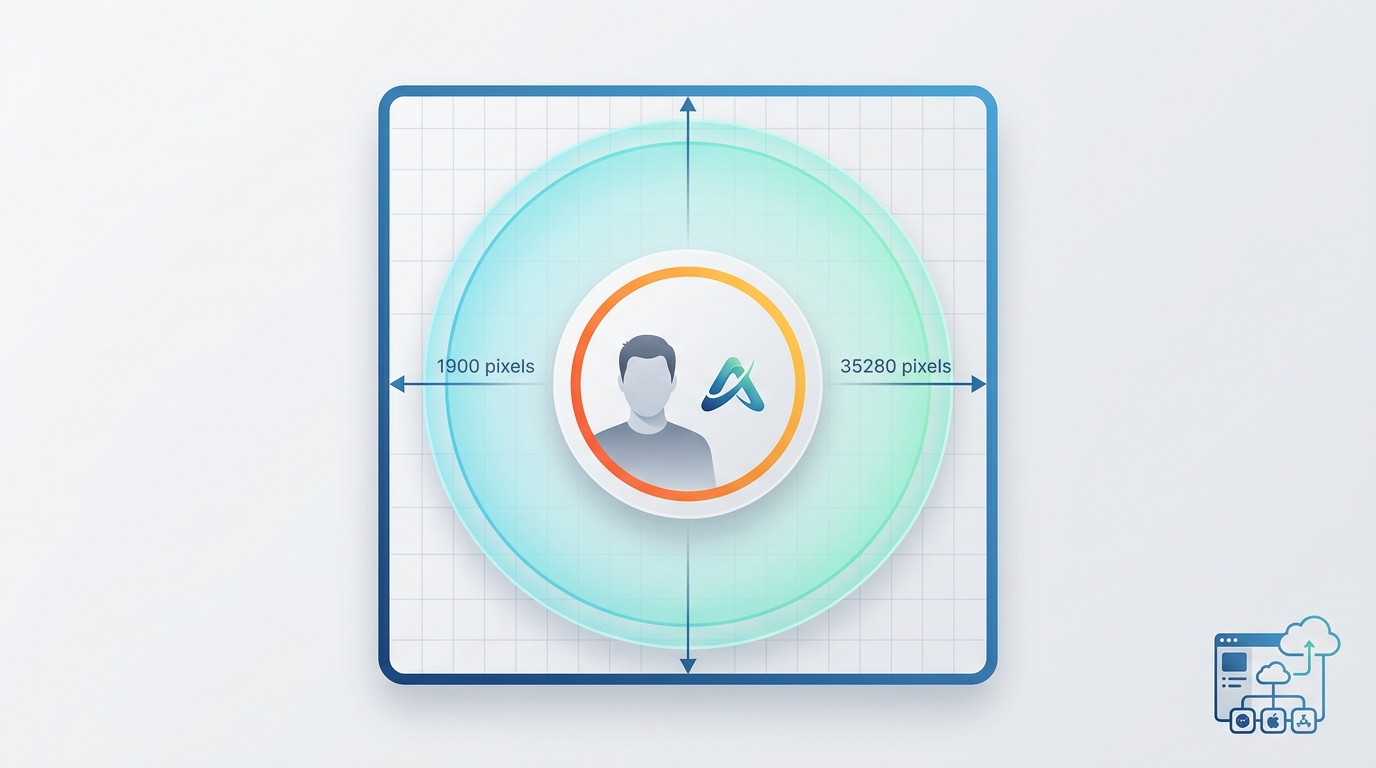
The ideal profile picture size for Instagram is 320 x 320 pixels, though Instagram displays it as a circle. Upload a square image (1:1 aspect ratio) at least 320 pixels wide to avoid blurriness. For best quality, use a high-resolution image up to 1080 x 1080 pixels, as Instagram compresses larger files automatically.
How do I make a good profile picture for Instagram?
To create a great Instagram profile picture, use a clear, high-resolution image with your face or logo centered. Choose good lighting, a simple background, and colors that match your brand. Keep it recognizable at small sizes since it appears as a tiny circle. Test how it looks on both mobile and desktop before finalizing.
What file format is best for an Instagram profile pic?
JPEG and PNG are the best file formats for an Instagram profile picture. Use PNG for logos or graphics with text to maintain sharpness, and JPEG for photographs to reduce file size. Ensure the image is square (1:1) and at least 320 x 320 pixels for optimal display quality across devices.
Why does my Instagram profile picture look blurry?
Your Instagram profile picture may look blurry because the uploaded image resolution is too low or Instagram compressed it heavily. To fix this, upload a square image at least 320 x 320 pixels, use PNG or high-quality JPEG format, and avoid enlarging small images. A stable internet connection during upload also helps preserve quality.
How can I change my profile picture on Instagram?
To change your Instagram profile picture, open the app and tap your profile icon. Select « Edit profile, » then tap « Edit picture » or your current photo. Choose « New profile photo, » select an image from your gallery or take a new one, adjust the crop, and tap « Done » to save your updated profile pic.
Should businesses use a logo or a photo as their Instagram profile pic?
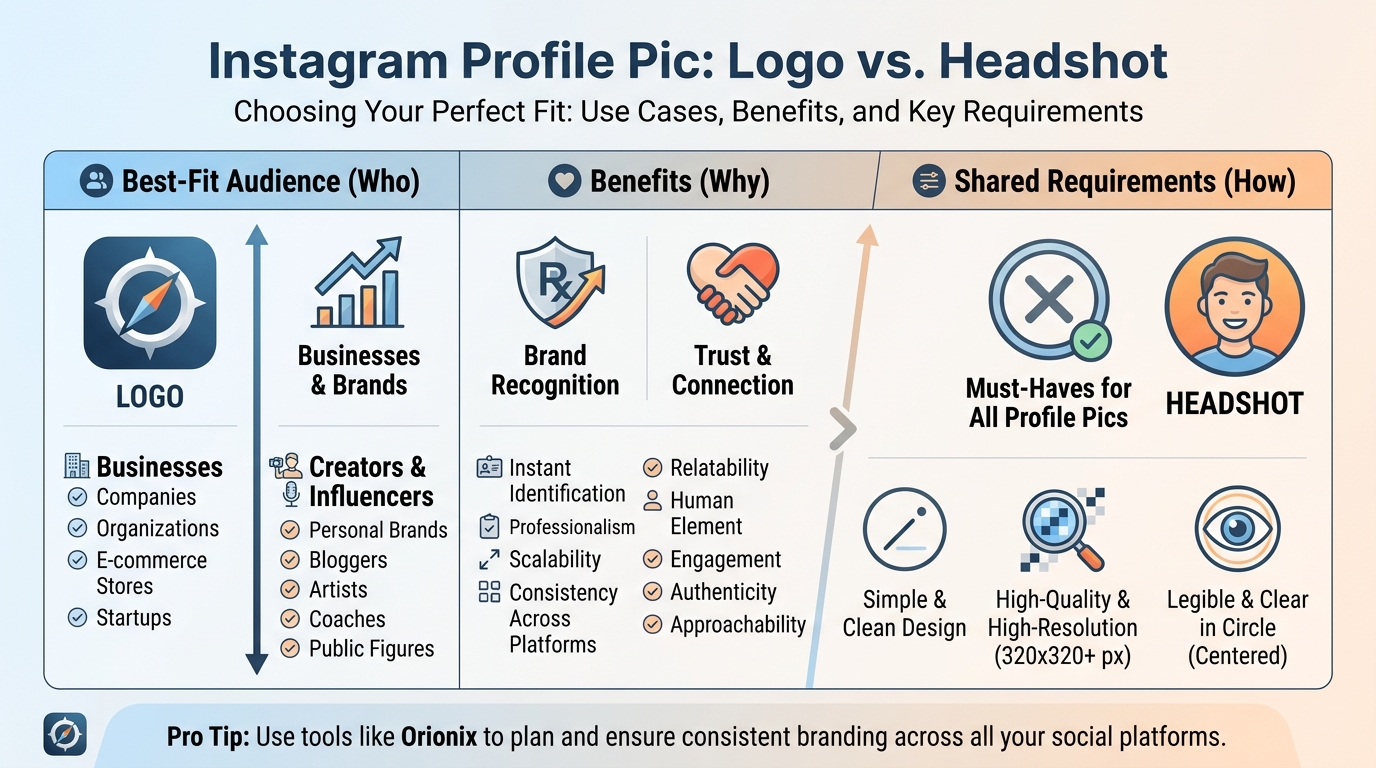
Businesses should typically use their logo as the Instagram profile picture for brand recognition and consistency across platforms. Personal brands, creators, or influencers benefit more from a clear headshot to build trust and connection. Whichever you choose, ensure it’s simple, high-quality, and legible in a small circular format.
How do I keep my profile pic consistent across social media platforms?
To keep your profile picture consistent across social media, use the same image, colors, and cropping on every platform for brand recognition. Save a square master version at high resolution and adapt it for each platform’s dimensions. Social media management platforms like Orionix let you plan and publish content across multiple channels from one dashboard, streamlining brand consistency.
Can I schedule and manage Instagram content along with my profile branding?
Yes, you can manage Instagram branding and content together using social media management platforms. Tools like Orionix let you plan, create, and publish posts across multiple platforms from a single dashboard, ensuring your profile picture, visuals, and captions stay consistent. This saves time and keeps your brand cohesive across Instagram and other social networks.
Why Your Profile Pic for Instagram Matters
Instagram is a highly visual platform, and your profile picture anchors your entire identity there. It appears next to every post, comment, story, and direct message you send. A clear, on-brand image builds trust and recognition instantly.
For businesses engaged in social media marketing, consistency across all channels is critical. A cohesive profile image helps users recognize your brand whether they encounter you on Instagram, Facebook, or other sites for instagram-style content sharing.
- Recognition: A consistent image builds brand memory over time.
- Trust: Professional photos signal legitimacy and credibility.
- Engagement: Recognizable accounts earn more clicks, follows, and interactions.
Ideal Instagram Profile Picture Dimensions and Sizes
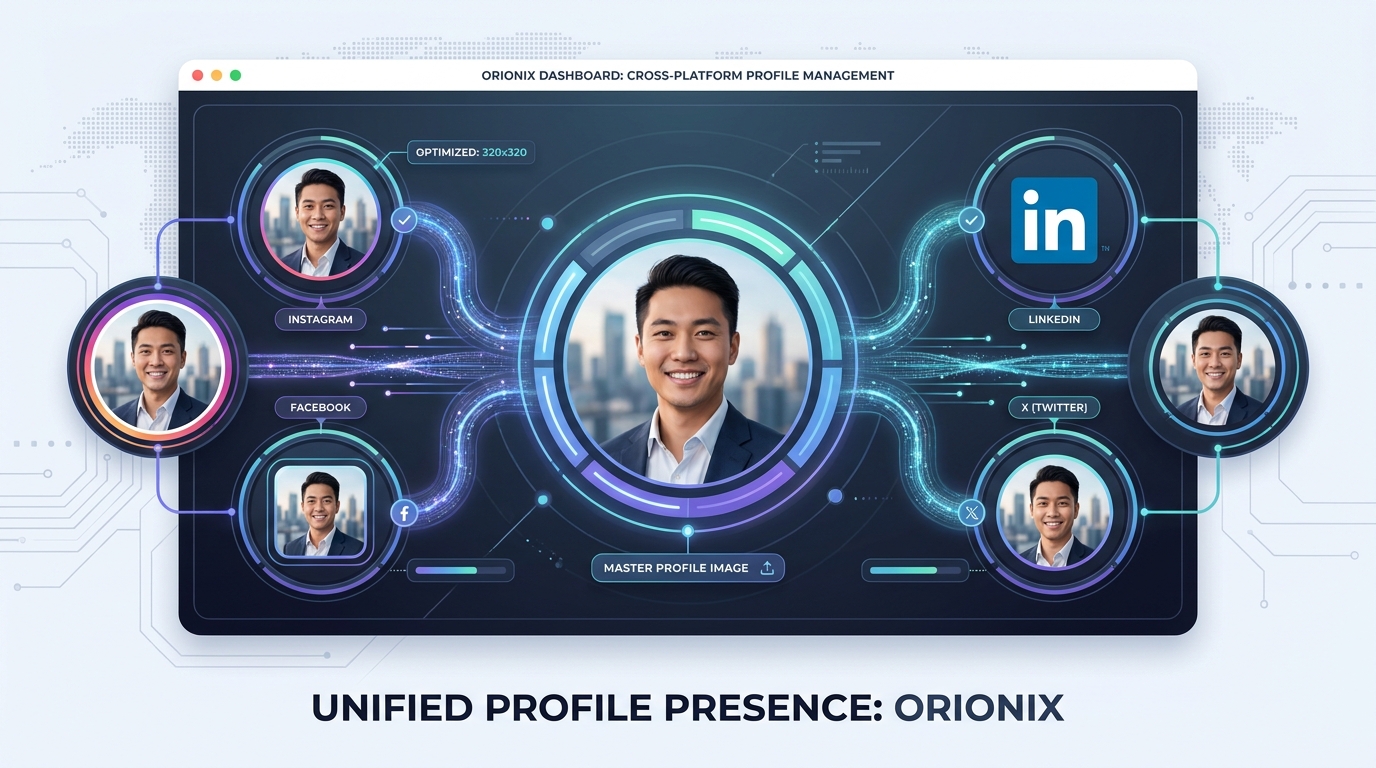
Getting the technical details right ensures your image looks crisp on every device. Instagram displays profile pictures as a circle, so anything in the corners of a square image will be cropped out.
| Image Type | Recommended Size | Aspect Ratio |
|---|---|---|
| Profile Picture | 320 x 320 pixels (min) | 1:1 (square) |
| Square Post | 1080 x 1080 pixels | 1:1 |
| Portrait Post | 1080 x 1350 pixels | 4:5 |
| Stories / Reels | 1080 x 1920 pixels | 9:16 |
While Instagram stores profile pics at around 320 x 320 pixels, upload a larger high-resolution file (like 1000 x 1000) so it stays sharp. Understanding the right dimensions for instagram post content also helps you keep your grid looking polished and professional.
File Format Tips
- Use JPG or PNG formats for best compatibility.
- Keep the subject centered to survive the circular crop.
- Test how your image looks at small sizes — it appears tiny in feeds.
How to Choose the Perfect Profile Picture
The right choice depends on whether you represent a person or a brand. Here’s a simple framework to guide your decision.
For Personal Accounts and Creators
- Use a clear headshot. Faces build connection and trust.
- Ensure good lighting. Natural light produces the most flattering results.
- Keep the background simple. Avoid clutter that distracts from your face.
- Smile naturally. Approachable images tend to earn more follows.
For Businesses and Brands
- Use your logo. Keep it centered and legible at small sizes.
- Match your brand colors. Reinforce visual identity across platforms.
- Simplify complex logos. A logomark often works better than a full wordmark.
- Stay consistent. Use the same image across all social media management platforms.
Building a Cohesive Visual Identity Across Channels
Your profile picture is just one piece of a broader branding puzzle. Content creators and marketing teams who publish across various channels benefit from a unified look everywhere audiences find them.
When your Instagram, TikTok, LinkedIn, and Facebook images match, you create instant recognition. This is especially valuable for agencies managing multiple client accounts, where consistency directly impacts perceived professionalism.
| Account Type | Best Image Choice | Key Priority |
|---|---|---|
| Personal Brand | Professional headshot | Personality & trust |
| Small Business | Logo or storefront | Brand recognition |
| Creator/Influencer | Signature portrait | Memorability |
| Agency Client | Client’s official logo | Consistency |
Common Instagram Terms and Actions Explained
New to the platform? Here are quick answers to questions that often come up while managing your account and understanding social media language. 🤔
Understanding Social Media Slang and Terms
- What does and mean in text: « & » is simply shorthand for « and, » widely used in captions and bios to save space.
- What does the suffix on mean: The suffix « -on » can indicate a state or condition, though in casual social media use it often appears in slang or hashtag stylings.
- Reap what you sow definition: A common phrase meaning your results reflect your efforts — highly relevant to consistent posting, since steady, quality content earns steady growth.
Managing Your Content
Beyond your profile picture, knowing how to manage posts keeps your presence clean and current.
- How to repost on instagram: Use the built-in « Add to Story » feature, tag the original creator, or use a reposting tool to share feed content with proper credit.
- How to erase posts on facebook: Tap the three dots on any post and select « Delete, » or use bulk activity tools in your settings to clear multiple posts at once.
Tools to Create and Manage Your Profile Pic for Instagram
You don’t need professional design software to create a great image. Several accessible tools can help you crop, edit, and optimize your profile picture.
- Canva: Templates sized specifically for Instagram profile pictures.
- Adobe Express: Quick background removal and logo formatting.
- Photo editing apps: Adjust lighting, contrast, and cropping on mobile.
Once your image is ready, the real work begins: consistently publishing quality content across all your channels. This is where social media management platforms become essential for busy teams and creators.
Streamlining Multi-Platform Publishing
For teams handling multiple platforms, coordinating a consistent look and posting schedule can be overwhelming. A single dashboard that lets you plan, create, and publish everywhere saves hours each week.
This unified approach ensures your branding — including your profile picture and post dimensions — stays consistent no matter where your audience finds you.
Best Practices Checklist for Your Profile Picture
Before you hit save, run through this quick checklist to make sure your image is optimized. ✅
- Upload at least 320 x 320 pixels (higher resolution recommended).
- Keep the main subject centered for the circular crop.
- Ensure it’s recognizable at small thumbnail sizes.
- Match it across all your social media accounts.
- Use bright, clear, high-contrast imagery.
- Update it when your branding evolves — but not too often.
Take Control of Your Social Media Presence
A polished profile pic for instagram is only the beginning. Real growth comes from consistent, well-planned content published across every channel your audience uses. Whether you’re a solo creator or an agency managing dozens of accounts, coordination is key.
Orionix helps you plan, create, and publish content across multiple platforms — all from a single dashboard. Stop juggling logins and scattered tools. Keep your branding consistent, your schedule organized, and your content flowing effortlessly. Visit our website to see how Orionix can simplify your social media marketing and help you reap what you sow. 🚀
Article created using IntentRank