
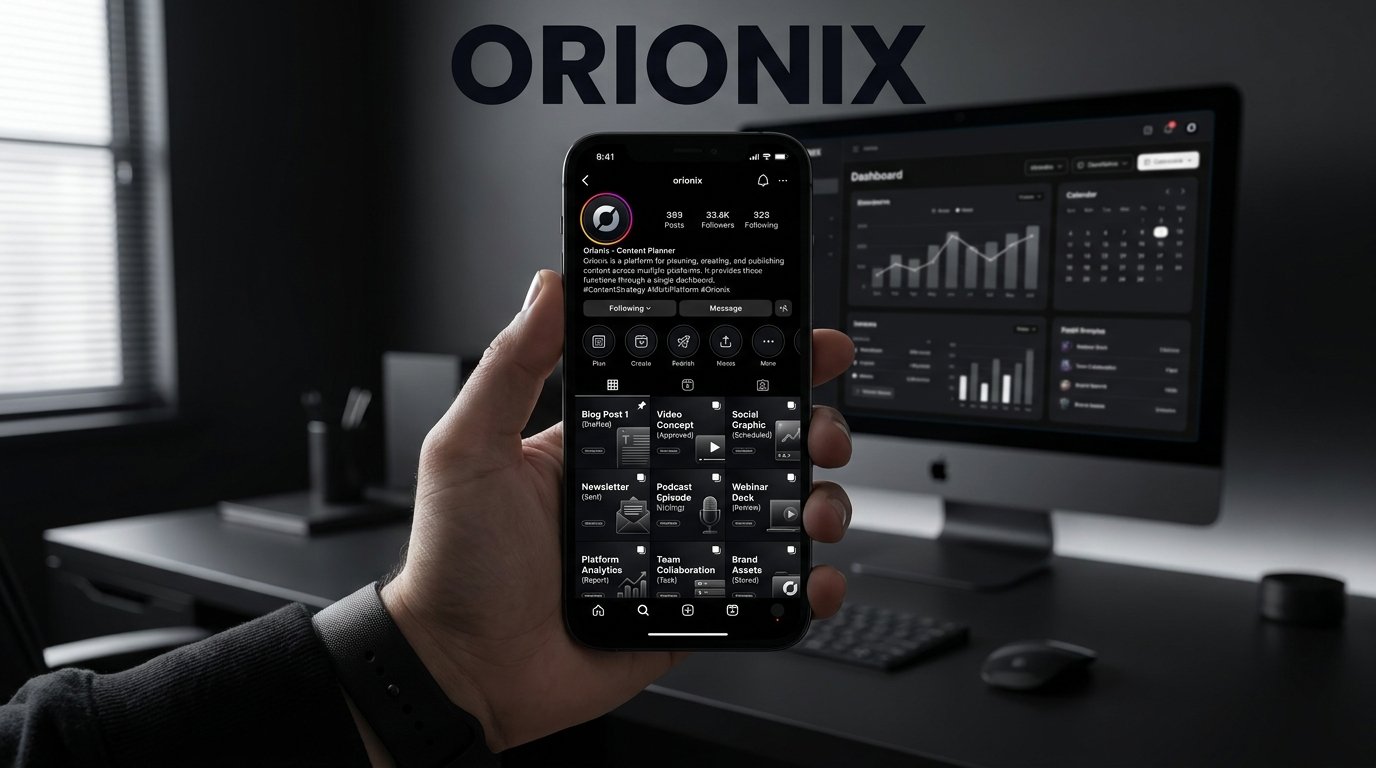
TL;DR: An Instagram page template is a pre-designed layout that ensures consistent branding, colors, and style across your posts and profile. Using an Instagram page template saves time and boosts visual cohesion. Platforms like Orionix let you plan, create, and publish templated content across multiple channels from one unified dashboard.
Instagram Page Template: The Complete Guide to Building a Consistent, Scroll-Stopping Feed
An instagram page template is a reusable design framework that helps you keep your feed visually cohesive, save time, and publish faster across every post you share. Whether you’re a solo creator or part of a busy marketing team, templates remove the guesswork from social media and let you focus on strategy rather than starting each graphic from scratch. In this guide, we’ll break down what a template actually includes, the correct dimensions for instagram post content, and how to build a system that scales. 📱
Because social media marketing rewards consistency, a well-designed template becomes one of your most valuable assets. It ensures your brand looks the same whether someone finds you through a Reel, a carousel, or a Story.
Frequently Asked Questions
What is an Instagram page template?
An Instagram page template is a pre-designed layout that helps you create consistent, professional-looking posts, stories, and profiles. Templates include preset dimensions, color schemes, fonts, and placeholders for text and images. They save time and maintain visual branding across your feed. Tools like Orionix let you build, customize, and schedule these templates from a single dashboard for multiple platforms.
What are the correct dimensions for an Instagram post?
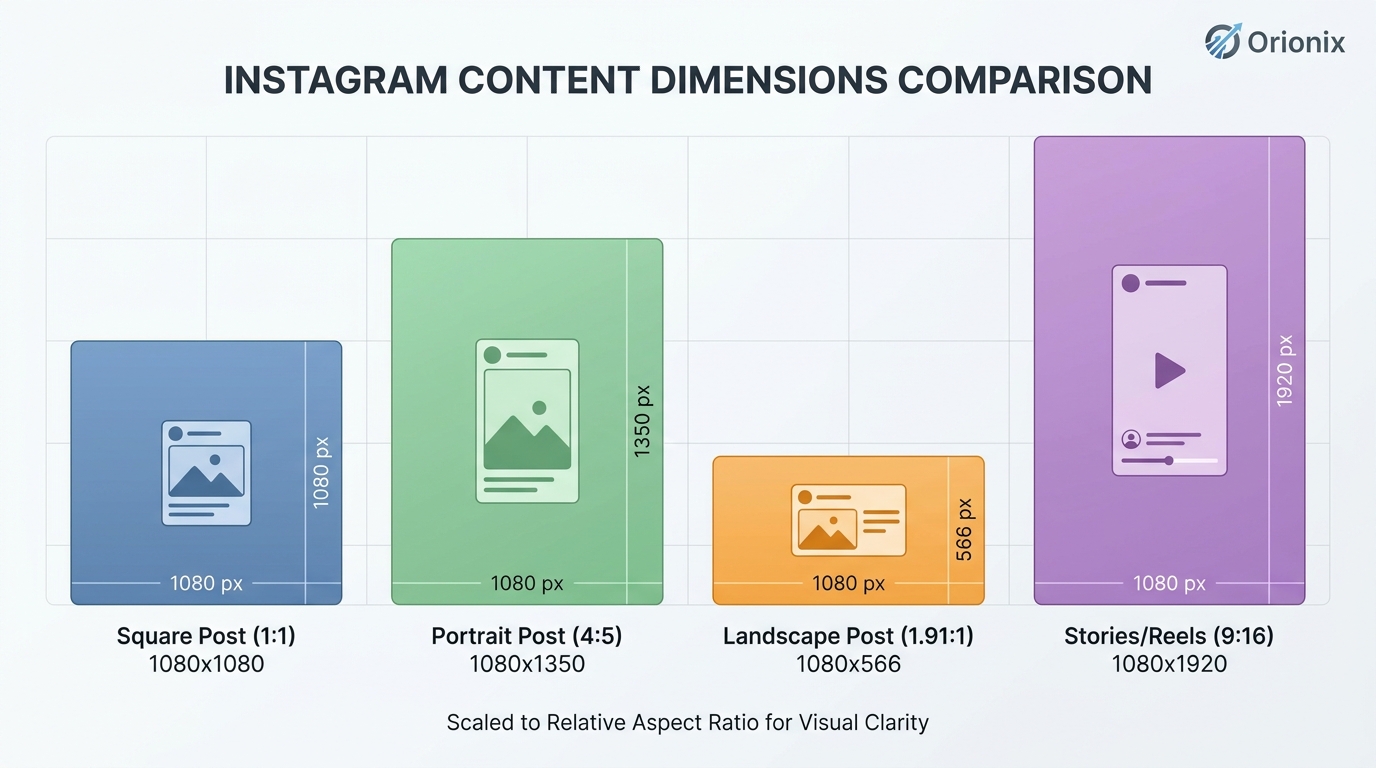
The ideal dimensions for an Instagram post are 1080 x 1080 pixels for square posts, 1080 x 1350 pixels for portrait posts, and 1080 x 566 pixels for landscape posts. Stories and Reels use 1080 x 1920 pixels. Using the correct dimensions ensures your images display sharply without cropping or quality loss across all devices.
How do you create an Instagram page template?
To create an Instagram page template, choose your dimensions (usually 1080 x 1080 px), set a consistent color palette and fonts, and add placeholders for text and images. Design tools or content platforms like Orionix let you build reusable templates, customize them for each post, and schedule publishing across multiple social media platforms from one dashboard.
Why are templates important for social media marketing?
Templates are important for social media marketing because they ensure brand consistency, save time, and improve engagement. A cohesive visual identity makes your profile recognizable and professional. Templates also streamline content creation, allowing you to produce more posts efficiently. Platforms like Orionix combine templates with scheduling and analytics to simplify your entire social media workflow.
What are the best social media management platforms for Instagram?
The best social media management platforms for Instagram let you plan, create, schedule, and analyze content in one place. Look for features like template creation, multi-platform publishing, content calendars, and performance analytics. Orionix, for example, provides planning, creating, and publishing tools across multiple platforms through a single dashboard, making it easier to manage Instagram alongside other channels.
How do you repost on Instagram?
To repost on Instagram, tap the paper airplane icon under a post and select « Add post to your story » for Stories. For feed reposts, use Instagram’s native repost feature, screenshot the content, or use a third-party app to credit the original creator. Always tag the source. Scheduling tools like Orionix help you organize and republish content efficiently.
Can you use the same template across multiple social media platforms?
Yes, you can use the same template across multiple social media platforms, but you should adjust the dimensions for each platform’s requirements. Instagram, Facebook, and LinkedIn have different optimal sizes. Platforms like Orionix let you adapt one template design for various channels and publish everything from a single dashboard, keeping your branding consistent everywhere.
How many Instagram templates should a brand have?
A brand should have around 5 to 10 Instagram templates covering different content types like quotes, product showcases, announcements, tips, and testimonials. Having a variety keeps your feed visually engaging while maintaining consistency. This range gives flexibility without overwhelming your workflow. Content platforms like Orionix help you store, reuse, and schedule multiple templates efficiently.
Why an Instagram Page Template Matters
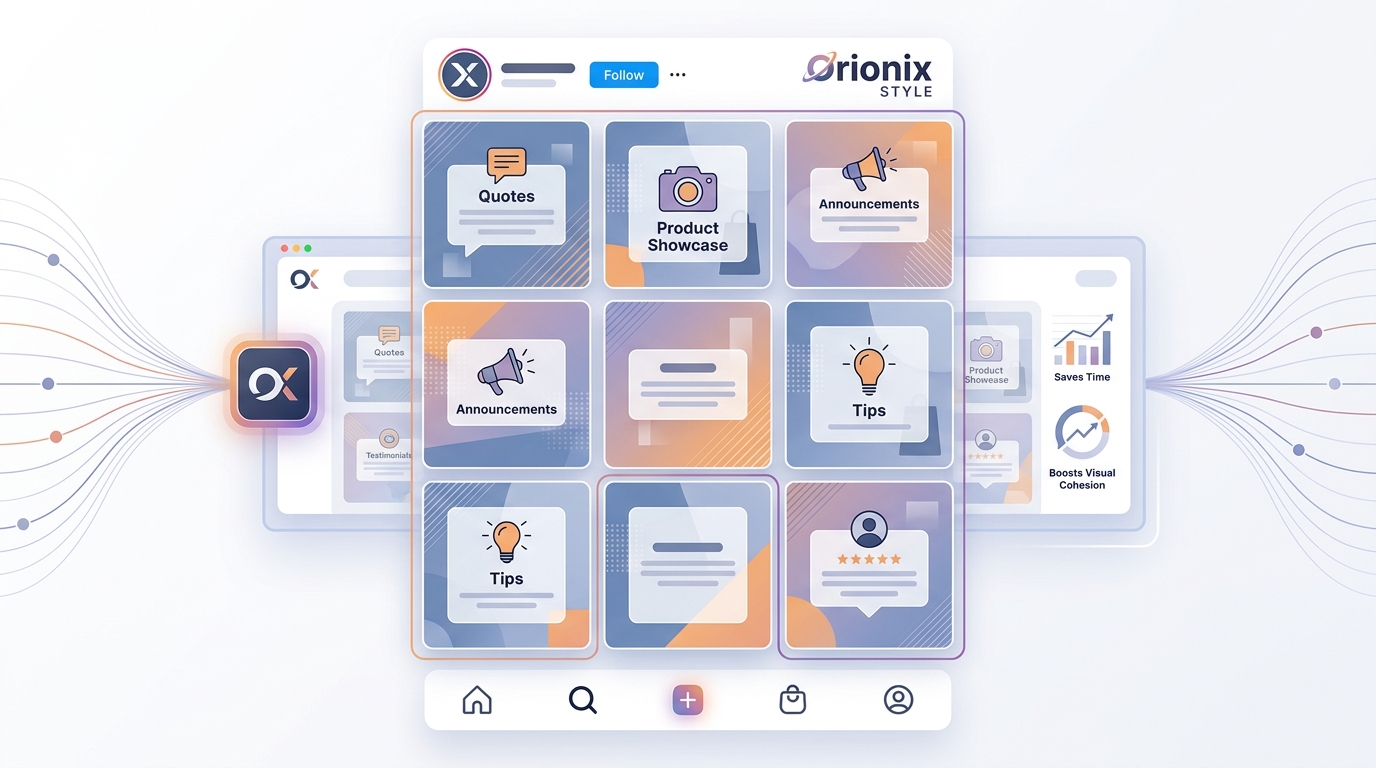
Your Instagram profile is often the first impression a potential customer has of your brand. A messy, inconsistent grid signals disorganization, while a polished feed signals professionalism and trust.
Templates solve several problems at once:
- Speed: Duplicate a base design and swap the copy instead of designing from zero.
- Consistency: Fonts, colors, and layouts stay uniform across dozens of posts.
- Scalability: Teams and agencies can produce content faster for multiple accounts.
- Recognition: A recognizable style builds brand memory over time.
The idea is simple: you reap what you sow. If you sow consistency and intention into your visual identity, you harvest engagement and loyalty in return. That principle — the reap what you sow definition applied to content — is at the heart of every strong social presence.
Correct Dimensions for Instagram Post Content
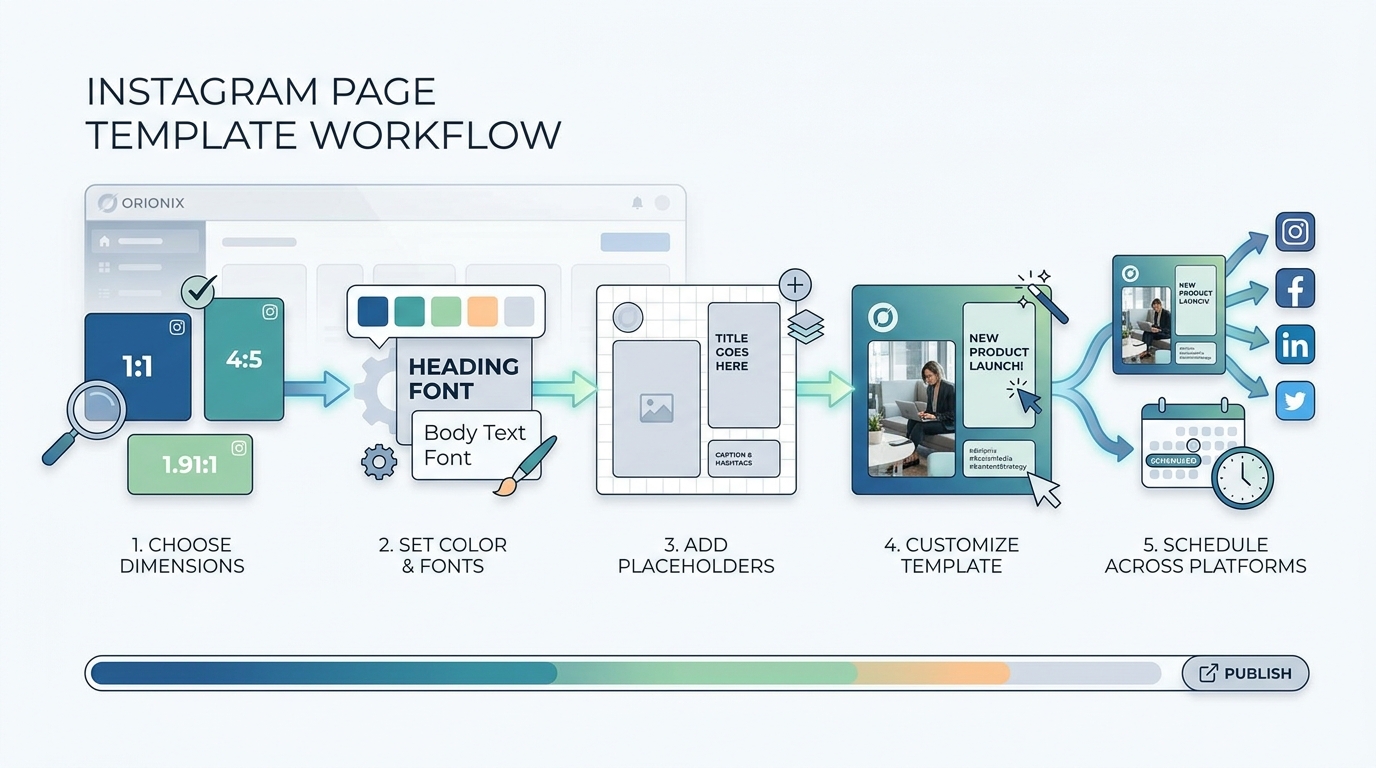
Before you design anything, you need to know the right sizes. Using the wrong dimensions for instagram post graphics can crop your text or blur your visuals. Here are the current recommended specs.
| Content Type | Recommended Size (px) | Aspect Ratio |
|---|---|---|
| Square Post | 1080 × 1080 | 1:1 |
| Portrait Post | 1080 × 1350 | 4:5 |
| Landscape Post | 1080 × 566 | 1.91:1 |
| Stories / Reels | 1080 × 1920 | 9:16 |
| Profile Photo | 320 × 320 | 1:1 |
Portrait posts (4:5) take up more vertical screen space than square posts, which often means more visibility as users scroll. Build your template at the largest supported size and scale down for other placements.
Core Elements of an Effective Instagram Page Template
A strong template is more than a pretty background. It’s a repeatable structure. Every good instagram page template should define the following elements.
1. Brand Colors and Palette
Choose two to four primary colors and one or two accent shades. Lock them into your template so every graphic pulls from the same palette. This alone dramatically improves grid cohesion.
2. Typography System
Select a headline font, a body font, and a caption or accent style. Consistent typography is one of the fastest ways to look professional. Keep hierarchy clear so viewers instantly know where to look.
3. Layout Grids and Margins
Define safe zones so text never touches the edges. This matters especially for Stories and Reels, where interface buttons can cover corners.
4. Logo and Watermark Placement
Decide where your logo or handle appears. Subtle, consistent branding protects your content when it gets shared or reposted.
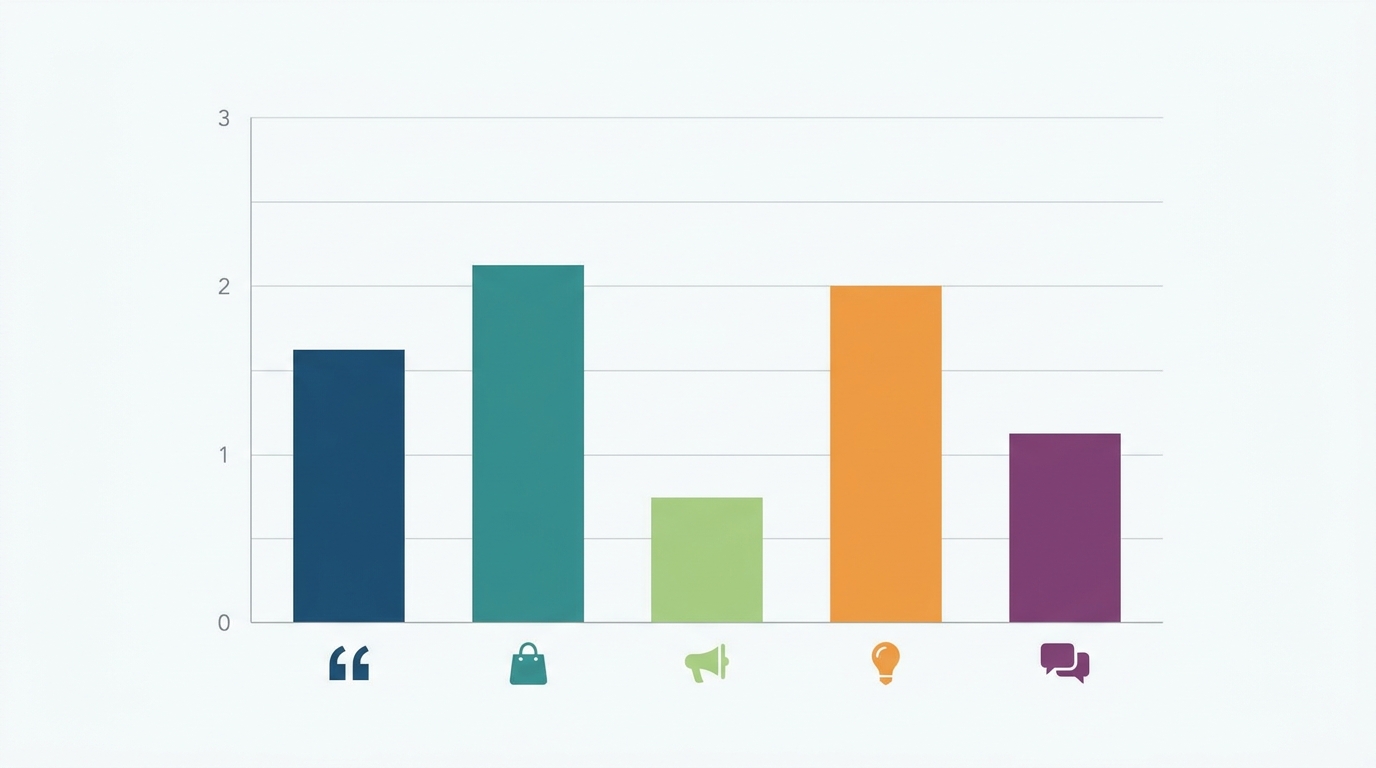
5. Templated Content Types
Create separate templates for the recurring formats you use most:
- Quote posts
- Educational carousels
- Product announcements
- Testimonial highlights
- Behind-the-scenes Stories
How to Build Your Own Instagram Page Template Step by Step
You don’t need to be a designer to create a functional template. Follow this straightforward process.
- Audit your existing content. Identify your best-performing post styles and note what they have in common.
- Define your brand kit. Lock in colors, fonts, and logo files in one place.
- Choose a base canvas. Start with 1080 × 1350 for portrait posts.
- Create master layouts. Build one template per content type.
- Add placeholder elements. Include sample headlines and image zones so future edits are quick.
- Test on the app. Preview how the design looks on a real phone screen before finalizing.
- Save reusable versions. Duplicate rather than overwrite so your originals stay intact.
For teams, pairing your visual template with a written plan is powerful. Download a free content marketing strategy template to align your visuals with your broader goals, and use a structured content brief template to keep every post on message.
Tools and Sites for Instagram Templates
Many popular sites for instagram design and scheduling can help you build and manage templates efficiently. Common categories include:
| Tool Type | Best For | Key Benefit |
|---|---|---|
| Design editors | Creating visuals | Drag-and-drop template building |
| Social media management platforms | Planning and publishing | Schedule content across accounts |
| Analytics tools | Measuring results | Track engagement and reach |
| Asset libraries | Storing brand files | Keep templates organized |
Using dedicated social media management platforms lets you reuse templates, batch content, and publish at optimal times without logging into the app repeatedly. This is essential for anyone managing multiple accounts.
Common Instagram Questions and Terms Explained
Managing a page means encountering plenty of platform jargon and everyday tasks. Here are quick answers to common questions creators run into.
What does « and » mean in text and captions?
If you’ve wondered what does and mean in text conversations, it’s usually shorthand or a connector used casually in captions and DMs. In social copy, keep connectors minimal so your message stays punchy and scannable.
What does the suffix « -on » mean?
People sometimes ask what does the suffix on mean when analyzing branded hashtags or product names. Grammatically, suffixes modify a root word’s meaning — useful knowledge when crafting memorable brand names and taglines for your feed.
How to repost on Instagram
To learn how to repost on instagram, you can share a post to your Story via the paper-airplane icon, or use a reposting tool to re-share feed content with proper credit. Always tag the original creator to maintain goodwill and comply with etiquette.
How to erase posts on Facebook
Since many brands cross-post, knowing how to erase posts on facebook is handy: open the post, tap the three-dot menu, and select « Delete. » Cleaning up outdated content keeps your connected profiles consistent with your current template style.
Best Practices for Maintaining Template Consistency
Building a template is step one. Maintaining it over time is where the real value comes from. Follow these guidelines to keep your feed strong.
- Batch your content. Design a week or month of posts in one session.
- Preview your grid. Plan how new posts sit next to existing ones.
- Rotate content types. Alternate quotes, products, and educational posts for variety.
- Update seasonally. Refresh colors or accents for campaigns without abandoning your core identity.
- Document your system. Keep a style guide so anyone on your team can stay on brand.
Consistency across social media and other channels compounds over time. The brands that commit to a repeatable visual system build recognition far faster than those posting randomly.
Scaling Templates Across Multiple Platforms
Your instagram page template shouldn’t live in isolation. Adapt it for other channels to create a unified brand presence.
- Resize your master design for other platforms’ dimensions.
- Keep colors and fonts identical across channels.
- Adjust copy length for each platform’s audience.
- Schedule everything from one central dashboard.
This cross-platform approach saves hours each week and ensures your audience recognizes you instantly, no matter where they find you.
Bring Your Instagram Page Template to Life with Orionix
Designing a great template is only half the battle — you still need to plan, create, and publish consistently. That’s exactly where Orionix helps. Our platform lets you plan, create, and publish content across every platform from a single dashboard, so your templates turn into a repeatable, scalable content engine. 🚀
Whether you’re a solo creator, a growing marketing team, or an agency juggling multiple client accounts, Orionix keeps your workflow organized and your brand consistent. Stop switching between apps and start publishing smarter.
Visit our website to see how Orionix can streamline your content planning and help you build a cohesive, scroll-stopping presence across all your social channels.
Article created using IntentRank