
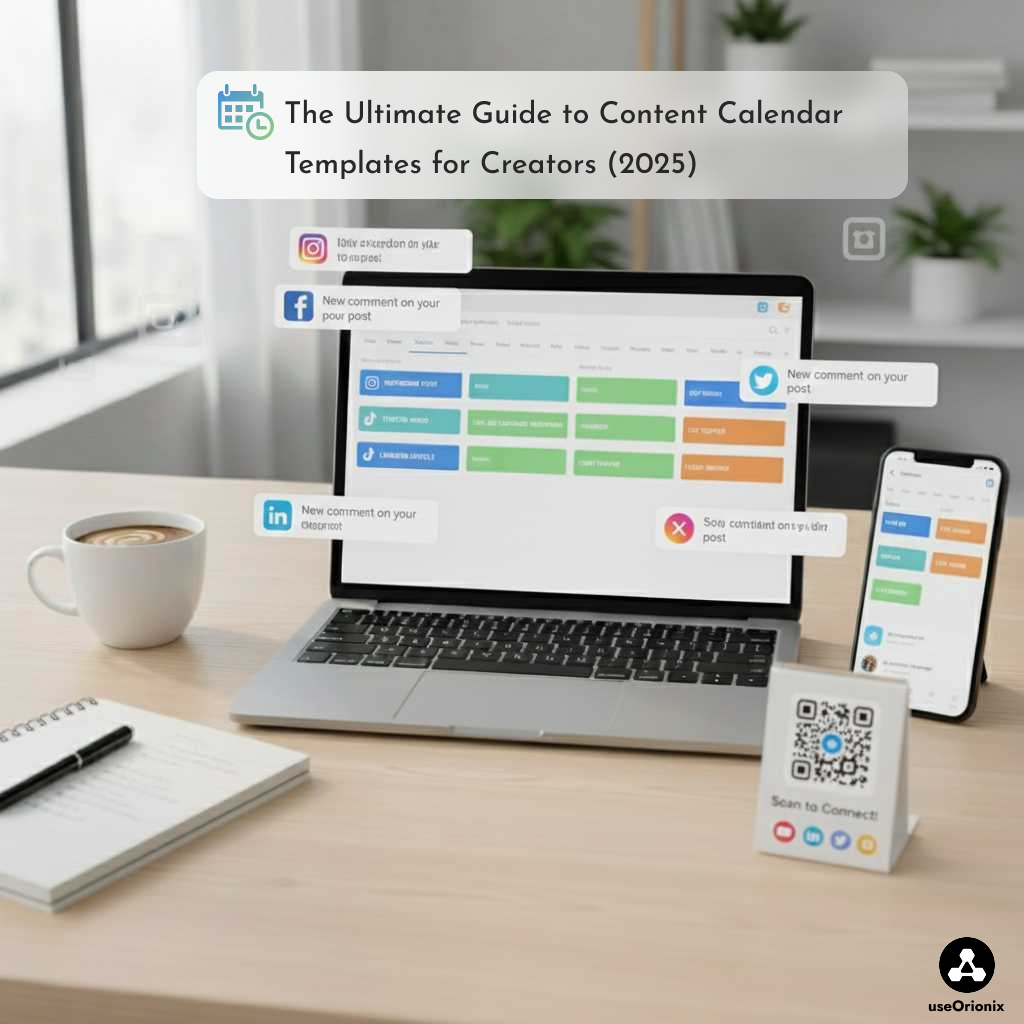
Managing consistent and high-quality content across multiple platforms is one of the biggest challenges for modern creators. Whether you’re a social media manager, content creator, entrepreneur, or part of a marketing team, using the right content calendar templates can completely transform your workflow. A well-structured editorial calendar helps you plan, organize, and publish your content with clarity and strategy.
This guide explores the best content calendar templates, how to use them, and which options work best for different types of creators.
Why You Need a Content Calendar Template
A content calendar template is more than an organizational tool—it’s a strategic resource that helps you structure your content in advance. Here’s why creators rely on it:
- Maintain consistency across social media platforms
- Improve productivity and reduce last-minute stress
- Visualize your content schedule for the week or month
- Plan ahead for campaigns, launches, and key dates
- Organize ideas, assets, and captions in one place
- Avoid the “What should I post today?” problem
Using a social media content calendar ensures you always stay one step ahead in your content strategy.
What Should a Good Editorial Calendar Include?
Not all templates are created equal. The best content planning templates should include:
- Publishing dates
- Content type (Reel, post, YouTube video, blog article…)
- Platform (Instagram, TikTok, LinkedIn, etc.)
- Main topic or idea
- Captions or notes
- Hashtags or keywords
- Visuals/assets
- Status (idea, in progress, scheduled, published)
- Goals (engagement, reach, conversions…)
A clear and complete editorial calendar gives you a full overview of your strategy.
Top 5 Content Calendar Templates for 2025
1. Google Sheets Content Calendar – Simple and Effective
Google Sheets is a favorite for creators who want something straightforward and accessible.
This content calendar template is easy to edit, share, and update in real time.
Ideal for:
- Solo creators
- Beginners
- Small teams
2. Notion Content Planner – The Most Complete Option
Notion offers one of the most dynamic content planning templates. You can add tags, filters, custom statuses, scripts, checklists, and more.
You get:
- Calendar view
- Database view
- Timeline view
- Detailed content pages
Ideal for:
- Multi-platform creators
- Agencies
- Advanced workflows
3. Canva Content Calendar – Visual and Aesthetic
If you prefer a visual overview of your month, Canva’s social media calendar templates are perfect. They are customizable, clean, and ideal for presenting your strategy to clients.
Ideal for:
- Designers
- Brands with strong visual identity
- Monthly planning
4. Excel Editorial Calendar – Structured and Professional
Excel is great for teams that need in-depth tracking.
These content planner templates allow you to add KPIs, analytics, and detailed metrics.
Ideal for:
- Agencies
- Freelancers
- Marketing teams
5. Airtable Content Calendar – Flexible and Powerful
Airtable combines the power of spreadsheets and databases, making it one of the most versatile content calendar templates available.
You can manage:
- Content ideas
- Campaign timelines
- Media assets
- Publishing workflows
- Performance analytics
Ideal for:
- Large teams
- Creators managing multiple campaigns
- Professional content operations
How to Choose the Right Content Calendar Template
Every creator has different needs. Here’s how to decide:
- Beginner or solo creator: Google Sheets or Canva
- Multi-platform creator: Notion or Airtable
- Need analytics: Excel or Airtable
- Visual planner: Canva
- Agency workflow: Airtable or Excel
The best content calendar template is the one you can maintain consistently.
Free Content Calendar Templates You Can Use Today
If you’re looking for free tools to get started, here are excellent options:
- Google Sheets Social Media Calendar
- Notion Official Content Planner
- Canva Free Monthly Content Calendar
- HubSpot Excel Content Calendar
- Airtable Content Planning Template
These free resources are perfect for building a strong content schedule without spending money.
A powerful content strategy starts with the right content calendar templates. They allow you to plan smarter, stay consistent, and manage your social media content with confidence and clarity. Whether you choose Google Sheets, Notion, Canva, Excel, or Airtable, the goal is the same: organize your ideas and turn them into impactful, consistent content.
By using the right editorial calendar, you streamline your workflow, save time, and boost the quality of everything you publish.
To automate Publication on Tiktok use: https://useorionix.com
For more info check: https://www.craft.do/fr
For more info chech : https://www.meltwater.com/en