

A brilliant content strategy is only as effective as its execution. Without a system to organize, schedule, and track your efforts, even the best ideas can lead to inconsistent posting, missed deadlines, and a chaotic workflow. This is where a dedicated content calendar moves from a nice-to-have to a mission-critical tool, transforming creative concepts into a predictable, high-impact publishing engine. It’s the essential infrastructure that prevents your strategy from falling apart under the pressure of daily demands.
This guide is designed to help you find the perfect content calendar template free of charge, tailored to your specific needs. We move beyond simple spreadsheets to explore dynamic templates from platforms like HubSpot, Asana, and ClickUp that integrate directly into your workflow. Whether you’re a solopreneur managing a single social channel or a small team coordinating a multi-platform campaign, the right template brings clarity and efficiency. To start implementing a robust content strategy, exploring various best content calendar template options can provide a solid foundation.
Below, you’ll find a curated list of the top free templates available today. Each entry includes a preview, a breakdown of key features, an honest assessment of its limitations, and a direct download link, ensuring you find a solution that saves time and elevates your results.
1. HubSpot
HubSpot provides a free, multi-tab content calendar template that you can copy directly into Google Sheets or Excel. It combines monthly planners, platform-specific tabs, and a central content repository for streamlined campaign planning.

Key Features
- Platform-specific tabs for Facebook, Instagram, LinkedIn, X/Twitter, and YouTube
- Monthly campaign planner and content repository in one file
- Importable to HubSpot for direct scheduling integration
- Pre-filled examples to jumpstart your calendar
- Updated for 2025 with new columns and layouts
| Feature | Availability |
|---|---|
| Facebook tab | Yes |
| Instagram tab | Yes |
| LinkedIn tab | Yes |
| X/Twitter tab | Yes |
| YouTube tab | Yes |
Pricing and Access
HubSpot’s template is 100% free but requires a short lead form to download. There is no shipping—instant digital access ensures you start planning immediately.
Pros and Cons
Pros
- Ready plug-and-play spreadsheet
- Dedicated LinkedIn content calendar
Cons
- Emphasis on social posts over long-form content
- Requires lead form submission
Tips for Implementation
- Duplicate the template in Google Sheets to customize
- Use the content repository tab to track ideas and drafts
- Leverage HubSpot import to automate scheduling across platforms
- Color-code by campaign or content type for quick scans
Download the template here: https://offers.hubspot.com/download-social-media-publishing-template-small-business
2. Hootsuite
Hootsuite provides a free, customizable social media calendar template available for Excel and Google Sheets. It is designed for teams seeking a straightforward spreadsheet that incorporates industry best practices for content planning and organization.
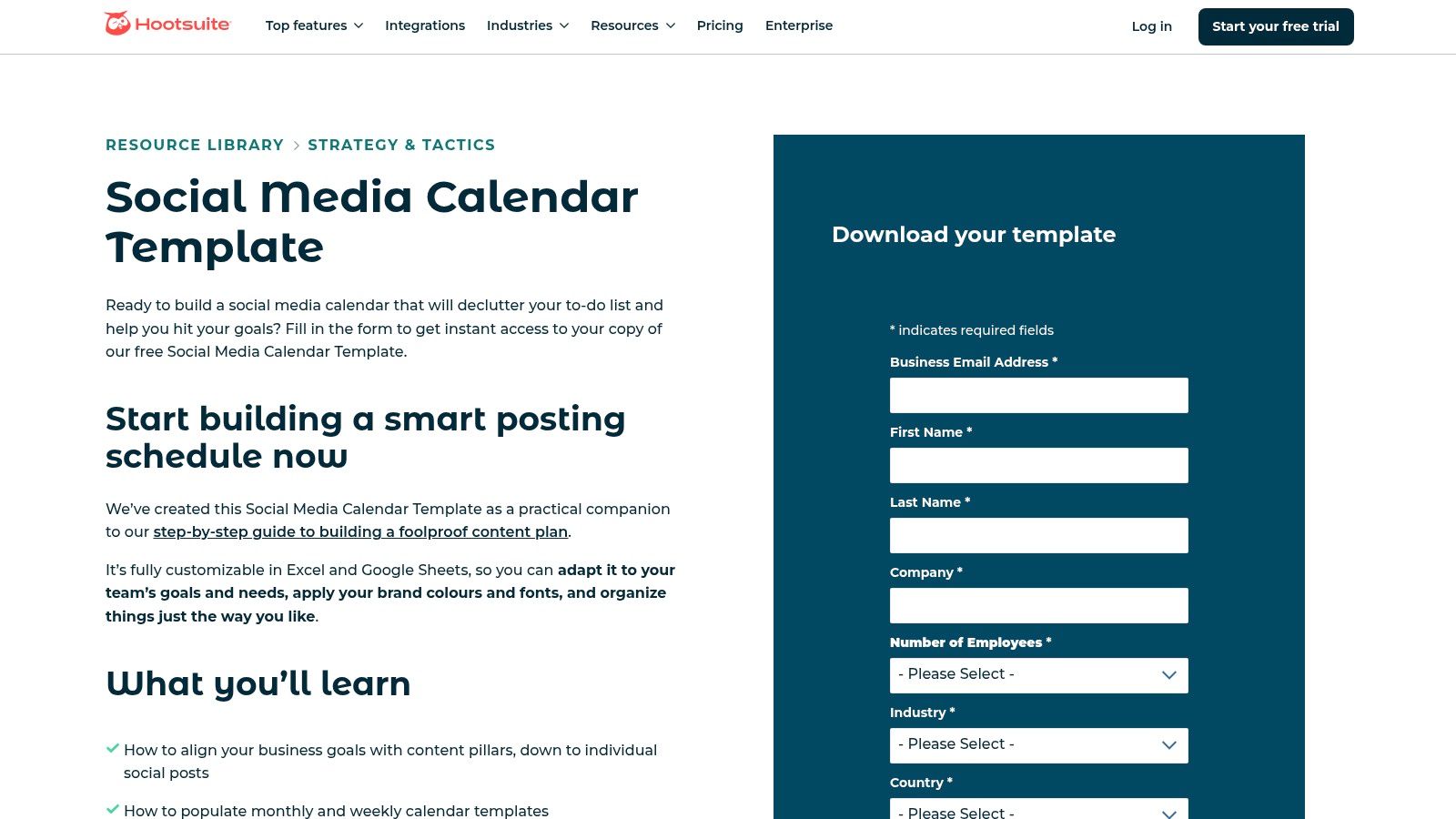
Key Features
- Monthly and weekly calendar views for both high-level and granular planning
- Content pillar guidance to help structure your content strategy
- Evergreen content tab to house and reuse top-performing posts
- Usable in either Excel or Google Sheets for team flexibility
- Accompanied by a detailed how-to guide for setup and optimization
| Feature | Availability |
|---|---|
| Monthly view | Yes |
| Weekly view | Yes |
| Evergreen content tab | Yes |
| Content pillar guidance | Yes |
| Excel and Google Sheets | Yes |
Pricing and Access
Hootsuite’s content calendar template is 100% free. Access requires submitting a short form with your name and email, after which you receive a link for instant digital download.
Pros and Cons
Pros
- Easy to adapt and share within teams
- Backed by a well-known scheduling platform
Cons
- Requires form fill to access the template
- Spreadsheet format with no built-in automation
Tips for Implementation
- Use the « Evergreen Content » tab to create a repository of high-value posts for easy repurposing.
- Adapt the content pillar columns to match your specific marketing themes.
- Integrate this template with one of the best social media scheduling tools for a complete workflow.
- Share the Google Sheets version with your team for real-time collaboration on content drafts.
Download the template here: https://www.hootsuite.com/resources/blog/social-media-calendar-template
3. Sprout Social
Sprout Social provides a free social media calendar spreadsheet designed for team workflows and performance monitoring. This downloadable template includes fields for copy, media, channels, and approvals, making it a robust tool for collaborative content planning.
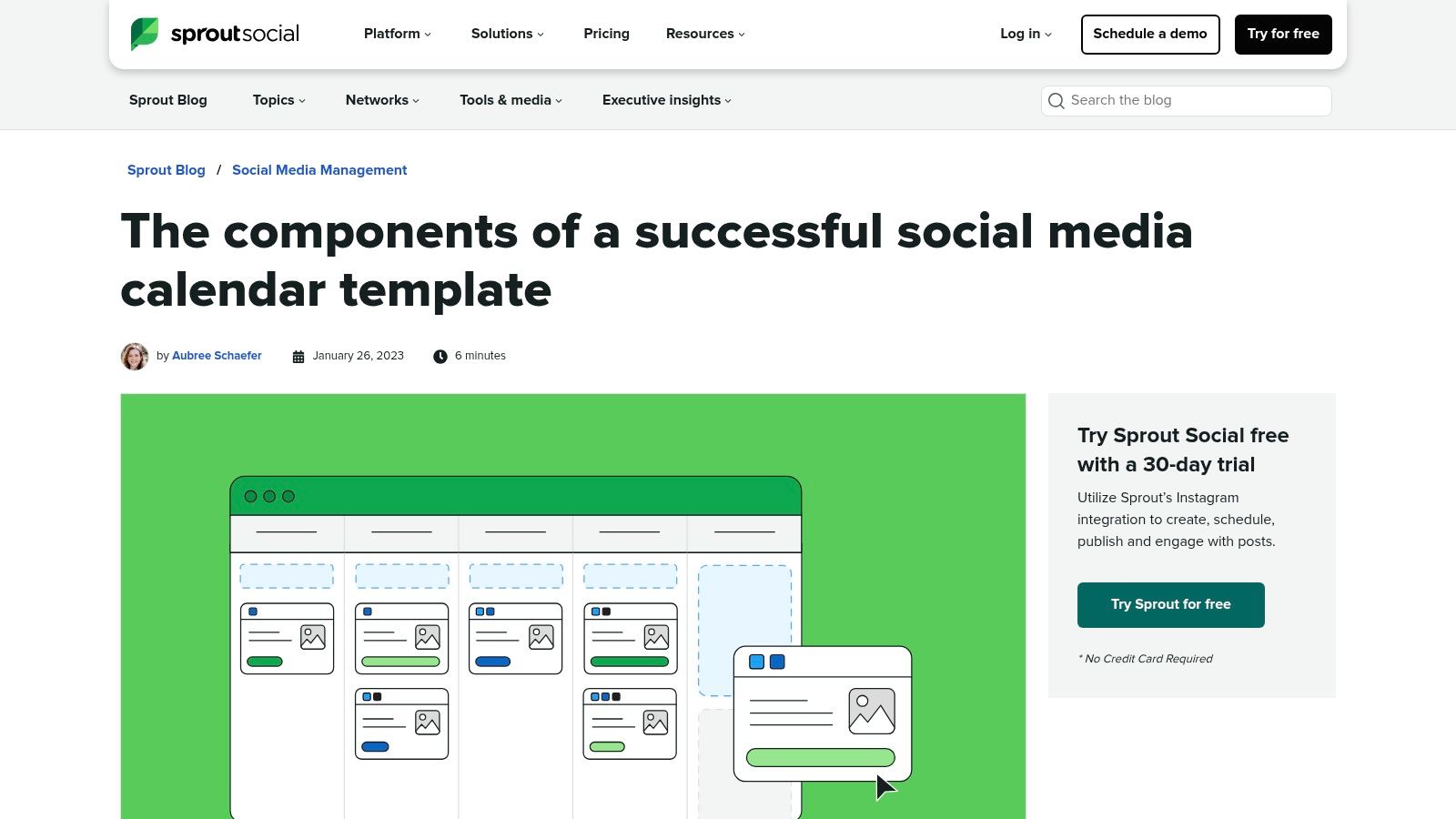
Key Features
- Built-in approval columns to streamline team review and sign-off processes
- Dedicated space for tracking post-performance awareness and engagement metrics
- Weekly and monthly calendar views for flexible planning horizons
- Includes helpful guidance and best practices within the resource
- Fields for post copy, links, media assets, and platform-specific notes
| Feature | Availability |
|---|---|
| Approval Columns | Yes |
| KPI Tracking | Yes |
| Weekly View | Yes |
| Monthly View | Yes |
| Best Practice Guide | Yes |
Pricing and Access
This content calendar template is completely free to download. Access is provided via a direct link within a blog post, with no lead form or email submission required for the download itself.
Pros and Cons
Pros
- Excellent structure for team collaboration and approvals
- Integrated performance tracking encourages data-driven decisions
Cons
- Primarily focused on social media, less suitable for blogs or email
- Download link is embedded within a longer article
Tips for Implementation
- Use the approval columns to create a clear sign-off workflow for your team
- Regularly fill in the KPI tracking fields to monitor content performance
- Customize a tab for each social media channel to keep your strategy organized
- Use the notes section to coordinate on asset creation or campaign-specific details
Download the template here: https://sproutsocial.com/insights/social-media-calendar-template/
4. Later
Later offers a free social media content calendar template designed for Google Sheets, making it an accessible choice for small teams and creators. It provides clear guidance on establishing content themes, setting goals, determining a posting cadence, and includes prompts for holidays and key events.

Key Features
- Google Sheets native for easy access and collaboration
- Detailed instructions on defining content themes and goals
- Guidance on establishing an optimal posting schedule
- Built-in prompts for holidays and important events
- Designed for visual-first platforms like Instagram and Pinterest
| Feature | Availability |
|---|---|
| Holiday/Event Prompts | Yes |
| Goal-Setting Guidance | Yes |
| Posting Cadence Tips | Yes |
| Instant Google Sheets Copy | Yes |
| Platform-Specific Tabs | No |
Pricing and Access
Later’s template is completely free and accessible via an instant copy to your Google Drive. While some visits may prompt an email form, it is often available for direct duplication without requiring personal information, offering immediate digital access.
Pros and Cons
Pros
- No special software needed beyond a Google account
- Clear, beginner-friendly instructions and guidance
Cons
- Spreadsheet-only with no platform automation features
- Some users may encounter an email gate to access it
Tips for Implementation
- Create a copy of the template in your own Google Drive to begin editing.
- Use the « Theme » column to categorize your posts for a balanced content mix.
- Consult the holiday prompts tab to plan timely, relevant content in advance.
- Color-code cells to track the status of each post from idea to published.
Learn more about building a robust social media content calendar for your brand.
Download the template here: https://later.com/resources/downloadable/content-calendar-template/
5. Buffer
Buffer offers a free content calendar template built in Notion, providing dynamic calendar, board, and list views for flexible planning. This database-style template is perfect for teams who want a collaborative space that adapts to different workflow preferences, and it comes with extra PDF and Canva versions for static planning.
Key Features
- Multiple Notion views including a traditional calendar, Kanban board, and list
- Built-in guidance on creating filtered views for specific team members or channels
- Includes separate, downloadable PDF and Canva calendar templates
- Designed for collaboration with space for status updates, notes, and owners
- Integrated tips from Buffer’s own content team on process and strategy
| Feature | Availability |
|---|---|
| Notion Template | Yes |
| Calendar View | Yes |
| Board View | Yes |
| PDF Template | Yes |
| Canva Template | Yes |
Pricing and Access
Buffer’s content calendar template collection is 100% free to access and use. To use the Notion version, you simply need a free Notion account to duplicate the template into your own workspace for immediate use.
Pros and Cons
Pros
- Highly flexible Notion base is easily scalable
- Practical process guidance is included directly in the template
Cons
- Requires a free Notion account to use the main template
- Notion can have a learning curve for first-time users
Tips for Implementation
- Duplicate the Notion template and customize the database properties to fit your workflow.
- Use the « Owner » property to assign tasks and create filtered views for each team member.
- Leverage the board view for tracking content progress from « Idea » to « Published. »
- Download the Canva version to create a visually branded, shareable calendar for stakeholders.
Download the template here: https://buffer.com/resources/content-calendar-template/
6. Asana
Asana offers a robust social media content calendar as a free project template, moving beyond simple spreadsheets. It’s ideal for teams who need integrated task management, approvals, and collaboration features built directly into their planning workflow.
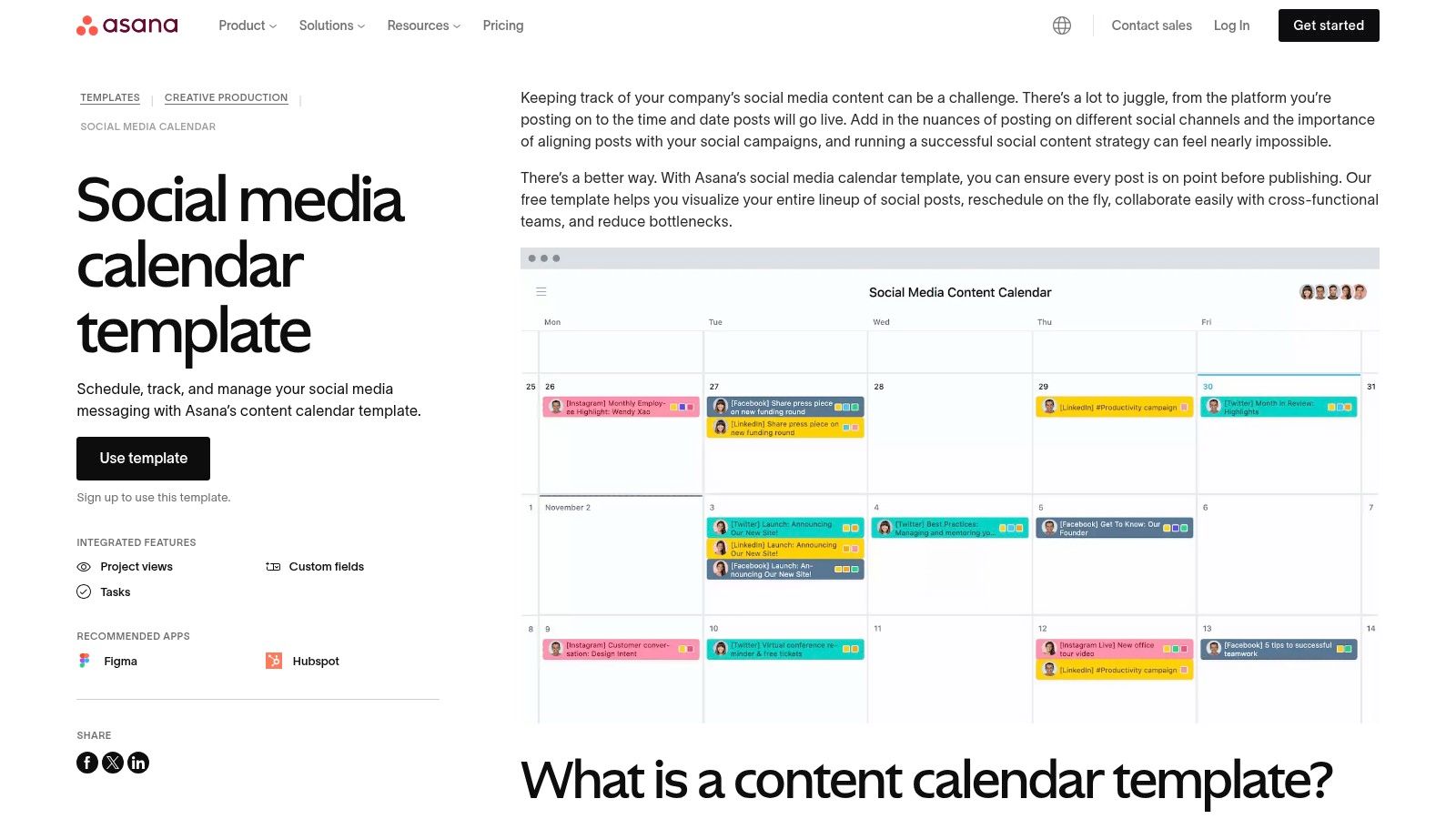
Key Features
- Pre-built project template with color-coded tasks for quick setup
- Multiple project views including Calendar, Board, and List
- Drag-and-drop functionality for easy rescheduling in the Calendar view
- Custom fields to track status, platform, or content type
- Task dependencies to manage complex content production workflows
| Feature | Availability |
|---|---|
| Ready-made Template | Yes |
| Calendar View | Yes |
| Board (Kanban) View | Yes |
| Task Assignment | Yes |
| Custom Fields | Yes |
Pricing and Access
This content calendar template free is available to anyone with an Asana account. You can sign up for a free Asana Basic plan to access and use the template indefinitely. Premium features require a paid subscription.
Pros and Cons
Pros
- Strong collaboration and task assignment model
- Easy rescheduling with an interactive drag-and-drop interface
Cons
- Requires a free Asana account to use the template
- Primarily focused on social media rather than all content types
Tips for Implementation
- Use the Board view to visualize your content pipeline from « Idea » to « Published »
- Assign tasks to team members for writing, design, and approval
- Add custom fields like « Campaign » or « Pillar » to categorize your posts
- Set up task dependencies so the design task can’t start until the copy is approved
Get the template here: https://asana.com/resources/social-media-content-calendar
7. ClickUp
ClickUp offers multiple free content calendar templates directly within its powerful work management platform. It goes beyond a simple spreadsheet by integrating your calendar with tasks, workflows, and multiple project views, making it ideal for teams who need to connect content planning with execution.

Key Features
- Multiple views including calendar, board, list, timeline, and Gantt
- Custom fields for channels, approvers, goals, and other key data
- Seamlessly integrates with ClickUp’s broader task management ecosystem
- Easy template installation into a new or existing workspace
- Designed for collaboration with status updates and assignments
| Feature | Availability |
|---|---|
| Calendar view | Yes |
| Kanban board | Yes |
| List view | Yes |
| Gantt view | Yes |
| Custom fields | Yes |
Pricing and Access
ClickUp’s content calendar templates are available on its 100% free forever plan. Access requires creating a free ClickUp account, which gives you instant access to add the template to your workspace.
Pros and Cons
Pros
- Robust templates that integrate task and project management
- Scales well from individual creators to large teams
Cons
- Requires account creation and has a slight learning curve for setup
- Some advanced views and features require paid plans
Tips for Implementation
- Use custom fields to track key metrics like content type, target channel, and approval status.
- Switch between calendar, list, and board views to manage your workflow from different perspectives.
- Create automations to move tasks between stages, such as « Drafting » to « In Review. »
- Integrate with other remote team collaboration tools to streamline communication.
Download the template here: https://clickup.com/templates/content-calendar-t-90091332587
8. monday.com
monday.com offers a robust content calendar template within its work management platform. It’s designed for teams that need a visual, collaborative space with customizable columns, automations, and deadline tracking, turning a simple calendar into a dynamic project pipeline.
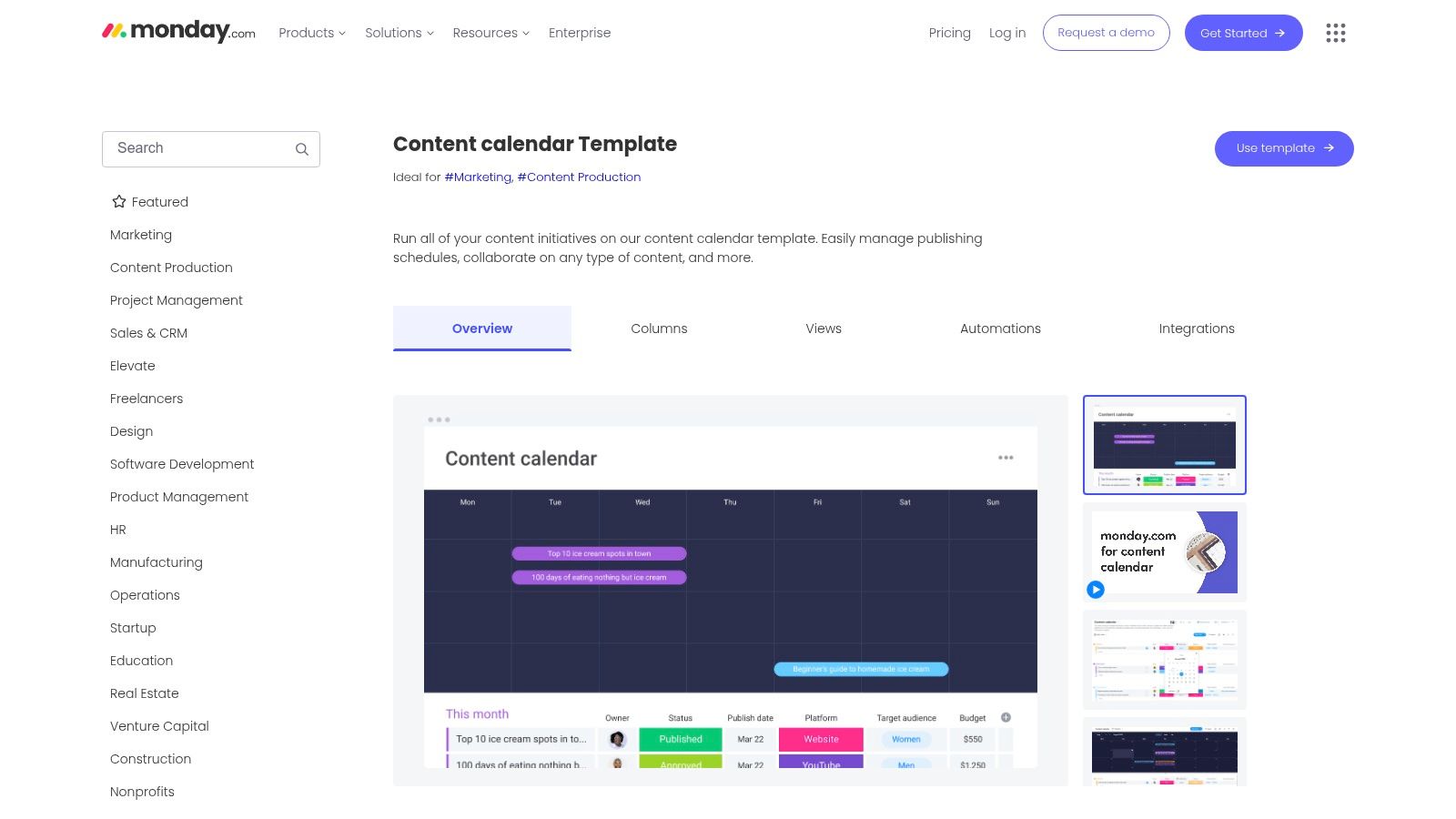
Key Features
- Visual calendar view with task assignments and deadlines
- Fully customizable columns for status, content type, and platform
- Built-in automations for notifications and status updates
- Integrations with tools like Slack, Google Drive, and Adobe Creative Cloud
- Multiple views including Kanban, Gantt, and table
| Feature | Availability |
|---|---|
| Customizable Columns | Yes |
| Calendar View | Yes |
| Built-in Automations | Yes (Limited on free plan) |
| Team Collaboration | Yes |
| Progress Tracking | Yes |
Pricing and Access
While the template is part of the platform, you must sign up for a monday.com account. The free forever plan includes the template but has limitations on features like automations and integrations. Full functionality is available on paid tiers.
Pros and Cons
Pros
- Strong UI for team collaboration and tagging
- Effective for deadline-driven marketing workflows
Cons
- Requires a monday.com account to use
- Best features are locked behind paid plans
Tips for Implementation
- Use the status column with color-coding to see content progress at a glance.
- Set up basic automations to notify team members when a task is assigned or due.
- Connect your Google Drive to attach briefs and assets directly to content tasks.
- Switch between Calendar and Kanban views to visualize your workflow differently.
Explore the template here: https://monday.com/templates/template/65396/content-calendar
9. Airtable
Airtable offers free database-driven social and editorial calendar templates that go beyond simple spreadsheets. It provides multiple views (calendar, Kanban, gallery), idea intake forms, and customizable fields, suiting users who want a single source of truth that is scalable to complex content operations.
Key Features
- Switchable multiple views including calendar, Kanban, gallery, and grid
- Built-in idea intake forms to streamline content requests
- Fully customizable fields for status, owners, due dates, and channels
- Optional automations and third-party integrations (e.g., Slack, Hootsuite)
- Real-time collaboration with comments and @mentions
| Feature | Availability |
|---|---|
| Multiple Views | Yes |
| Custom Fields | Yes |
| Intake Forms | Yes |
| Automations | Yes (with limits) |
| Collaboration | Yes |
Pricing and Access
Airtable’s templates are 100% free to use, but you must create a free Airtable account to access them. Advanced features like extended automation runs and additional integrations are part of their paid plans.
Pros and Cons
Pros
- Highly customizable with no coding required
- Works well for multi-channel content (blog, social, email)
Cons
- Requires an Airtable account to use
- Setup complexity is higher compared to simple spreadsheets
Tips for Implementation
- Start with the social media or editorial calendar template and customize fields to match your workflow.
- Use the « Form » view to create an idea submission link for your team or clients.
- Set up a Kanban view with status columns (e.g., Idea, In Progress, Published) to track progress.
- Color-code records based on content type or campaign for at-a-glance organization.
Download the template here: https://www.airtable.com/templates/marketing/expTThd1ap2T3i5av/social-media-calendar
10. Smartsheet
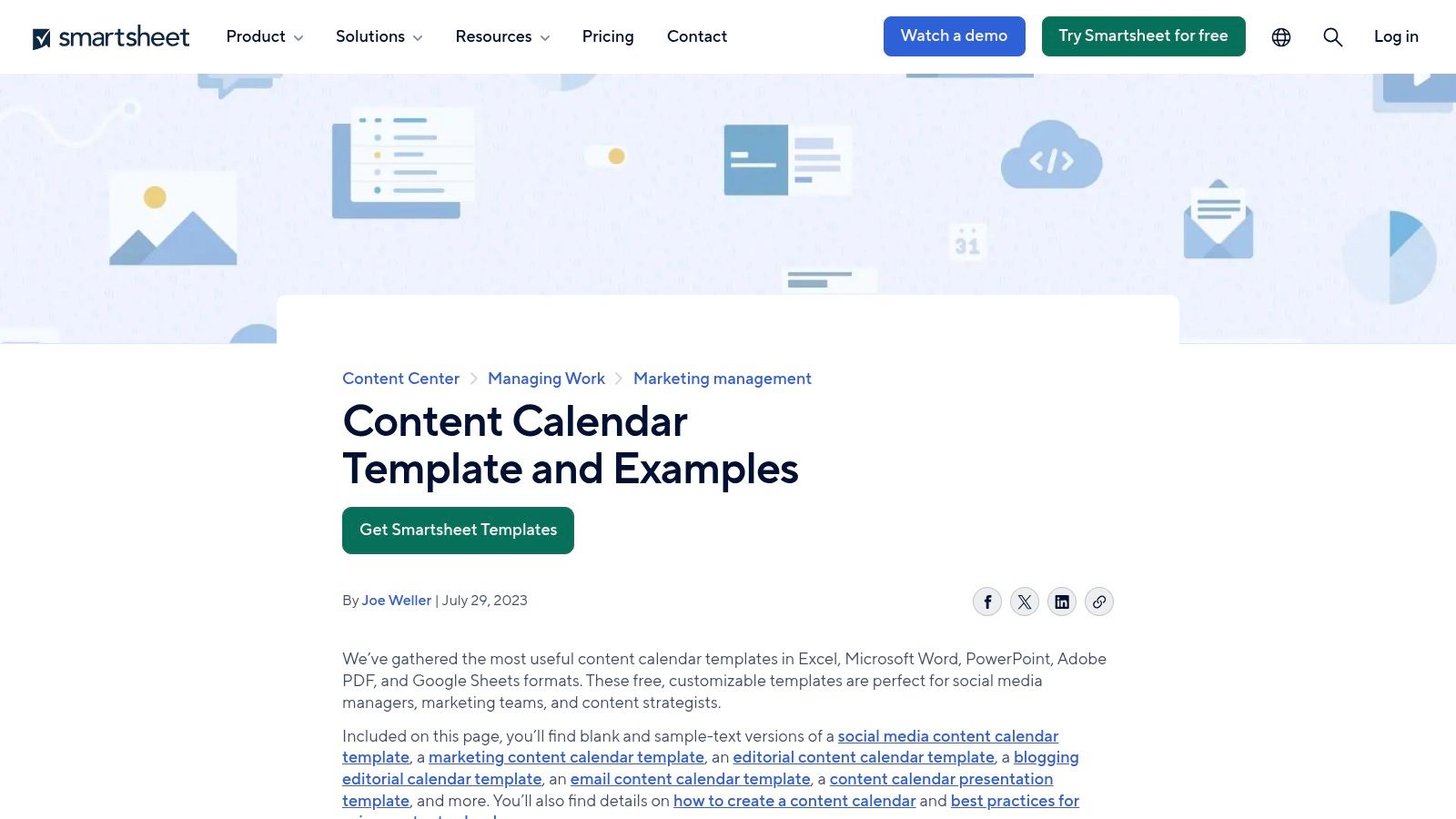
Smartsheet offers a comprehensive library of free content calendar template options available as direct downloads. Unlike platforms that require sign-ups, Smartsheet provides instant access to files in multiple formats, including Excel, Google Sheets, Word, and even PDF, catering to diverse workflow preferences.
Key Features
- Multiple file formats including Excel, Google Sheets, Word, PowerPoint, and PDF
- Broad selection of calendar types for social media, marketing, blogging, and email
- Includes both blank and pre-filled sample versions for guidance
- No software or sign-up required for template access
- Designed for immediate use without a learning curve
| Feature | Availability |
|---|---|
| Excel format | Yes |
| Google Sheets format | Yes |
| Word/Docs format | Yes |
| PDF format | Yes |
| Sample-filled versions | Yes |
Pricing and Access
All Smartsheet templates are 100% free to download. There are no lead forms, sign-ups, or software trials required, offering a completely frictionless experience for users who need a quick, functional template.
Pros and Cons
Pros
- True file downloads with no sign-up friction
- Wide variety of calendar types in one place
Cons
- Standalone files lack real-time collaboration or automation
- Functional, utility-focused styling over modern design
Tips for Implementation
- Choose the format that best fits your current software ecosystem (e.g., Google Sheets for cloud collaboration).
- Use the sample-filled versions as a guide to understand how to structure your content plan effectively.
- Customize a blank template by adding columns for your specific metrics, like engagement goals or CTAs.
- Download multiple types (e.g., social and blog) to create a master marketing calendar.
Download the template here: https://www.smartsheet.com/content/content-calendar-template-examples
11. Trello (by Atlassian)
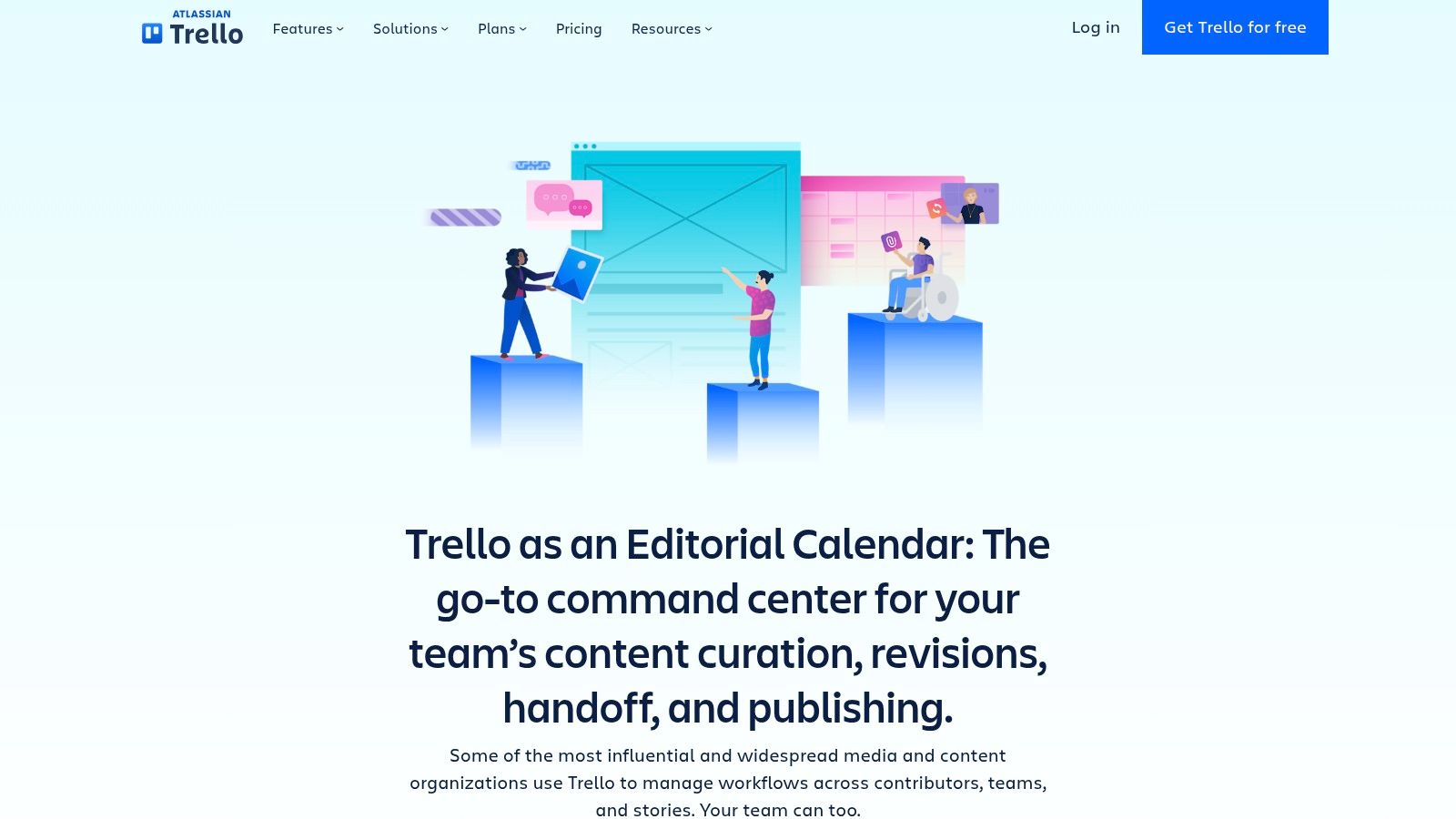
Trello offers official editorial calendar templates that transform its famous kanban-style boards into dynamic content pipelines. It excels at visualizing workflows, allowing users to drag and drop content cards through stages like « Idea, » « Drafting, » « Editing, » and « Published. »
Key Features
- Kanban-style boards for visual workflow tracking
- Calendar, timeline, and dashboard views for different perspectives
- Butler automations to create rules and streamline repetitive tasks
- Integrations with tools like Google Drive, Slack, and Dropbox
- Customizable labels, checklists, and due dates for granular control
Many platforms offering a content calendar template free of charge, like Trello, are also powerful remote project management tools suitable for distributed teams.
| Feature | Availability |
|---|---|
| Kanban Board | Yes (Core feature) |
| Calendar View | Yes |
| Timeline View | Premium Plan |
| Dashboard View | Premium Plan |
| Butler Automations | Yes (with limits on free plan) |
Pricing and Access
Trello’s editorial calendar templates are available on its free plan, which is robust enough for many individuals and small teams. Advanced features like timeline views and expanded automations require a Premium subscription.
Pros and Cons
Pros
- Highly visual and intuitive drag-and-drop interface
- Strong free plan with essential features included
Cons
- Advanced views and automations are behind a paywall
- Lacks built-in analytics for content performance
Tips for Implementation
- Use labels to categorize content by type (blog, social, video) or status.
- Create a checklist template within a card for your standard content creation process.
- Activate the Calendar Power-Up to visualize all your due dates in a monthly view.
- Set up Butler automations to automatically move cards when due dates arrive or checklists are completed.
Explore the template here: https://trello.com/use-cases/editorial-calendar
12. Canva
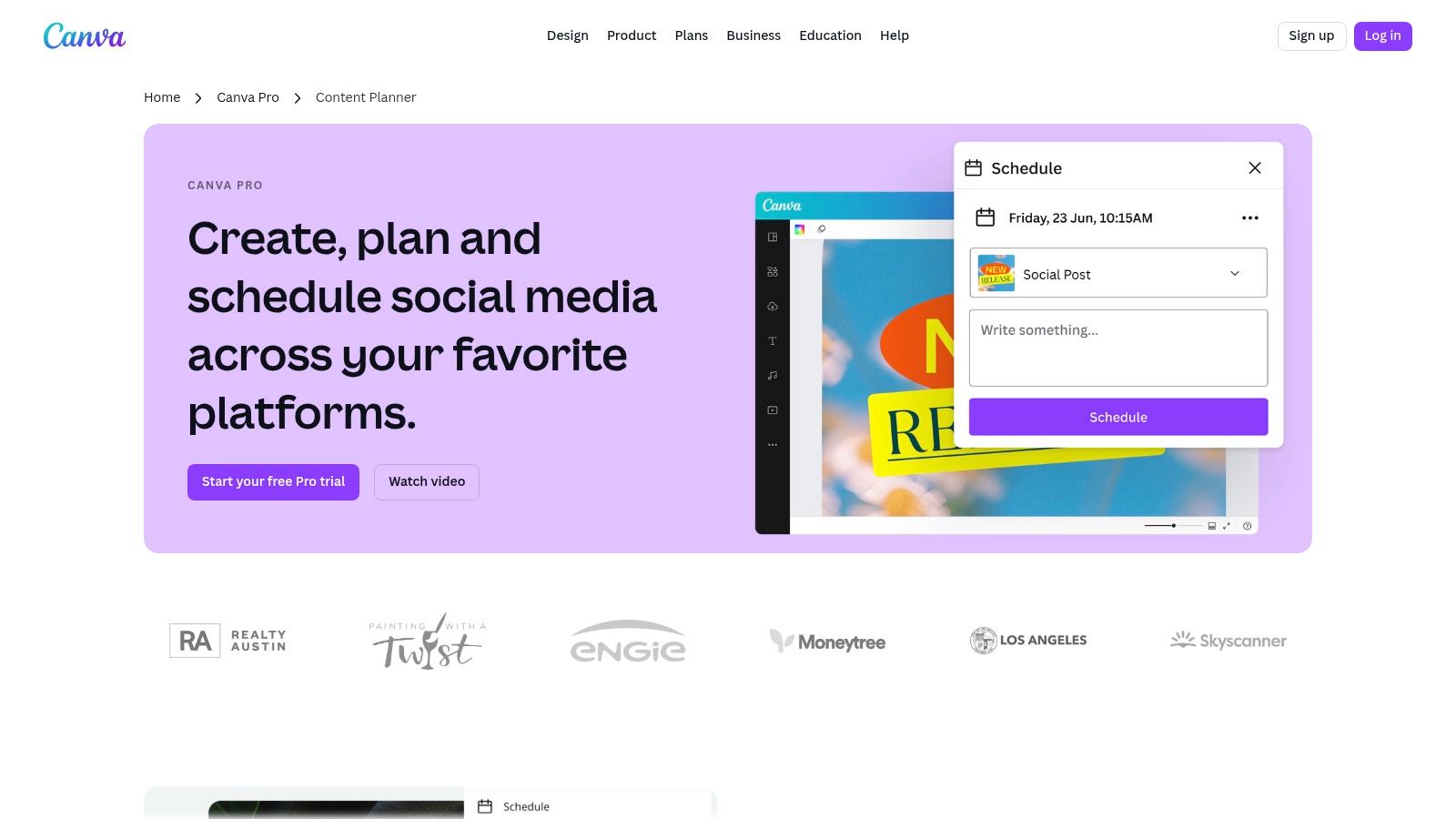
Canva offers free, visually-driven calendar templates that can be customized to function as a basic content calendar. It is ideal for design-led teams wanting integrated planning and visual content creation in one platform, merging the design process with scheduling workflows.
Key Features
- Free editable calendar templates available with a standard Canva account
- Pro Content Planner tool for direct scheduling and analytics (paid)
- Tutorials available for planning and scheduling workflows within Canva
- Hundreds of professionally designed layouts to start from
- Integrated design and planning environment
| Feature | Availability |
|---|---|
| Editable Calendar Templates | Yes (Free) |
| Direct Social Scheduling | No (Canva Pro) |
| Analytics & Insights | No (Canva Pro) |
| Team Collaboration | Yes (Free) |
| Brand Kit Integration | Yes (Canva Pro) |
Pricing and Access
The calendar templates are 100% free to edit and download with a standard Canva account. However, accessing the Content Planner for direct scheduling to social platforms requires a Canva Pro subscription.
Pros and Cons
Pros
- Easy customization with brand-friendly visuals
- Useful for teams combining design and content planning
Cons
- Scheduling features require a Canva Pro subscription
- Template discovery can be scattered across resource pages
Tips for Implementation
- Search for « calendar » in the Canva template library to find a starting layout
- Customize the template with your brand colors, fonts, and logos
- Use the collaboration features to share the calendar with your team for real-time updates
- Export the finished calendar as a PDF or image for easy sharing and printing
Explore templates and features here: https://www.canva.com/pro/content-planner/
Content Calendar Template Tools Comparison
| Platform | Core Features ✨ | User Experience ★★★★☆ | Value Proposition | Target Audience | Unique Selling Points | Price Points |
|---|---|---|---|---|---|---|
| HubSpot | Multi-tab calendars, platform-specific tabs | Ready-to-use, updated templates | Plug-and-play spreadsheets | Freelancers, SMBs | Platform-specific tabs, LinkedIn focus | Free; requires short form |
| Hootsuite | Monthly/weekly views, content pillar guidance | Easy to share/adapt spreadsheets | Simple, best-practice template | Teams needing basic scheduling | Backed by Hootsuite platform | Free; form required |
| Sprout Social | Copy, media, approvals, KPI tracking | Strong team collaboration structure | Performance monitoring in calendar | Teams handling social content | KPI tracking, collaboration columns | Free download via article |
| Later | Google Sheets template, themes, event prompts | Beginner-friendly instructions | No software beyond Google account | Small teams, creators | Holiday/event prompts | Free; email gate sometimes |
| Buffer | Notion template with multiple views | Flexible, scalable beyond social media | Database-style calendar | Creators, teams preferring Notion | Multiple views + PDF/Canva options | Free Notion account required |
| Asana | Project template, multiple views, task dependencies | Drag-and-drop rescheduling | Strong task assign… |