
Juggling multiple social media accounts can feel like a full-time job. Between creating content, engaging with followers, and tracking performance, it's easy to get overwhelmed. A reliable social media scheduler is the key to reclaiming your time and maintaining a consistent online presence without the constant stress. But with so many options, how do you find a tool that's powerful, easy to use, and genuinely free?
We've done the heavy lifting for you. This guide dives deep into the best free social media scheduler platforms, moving beyond generic feature lists to give you real-world insights. We analyze the practical limitations of each free plan, highlight standout features you won’t want to miss, and identify exactly who each tool is best for, from solo content creators and freelancers to growing business teams. You'll find detailed breakdowns, screenshots, and direct links for every platform mentioned, including tools like useOrionix, Buffer, and Metricool, as well as native schedulers like Meta Business Suite.
Our goal is simple: to provide a clear, honest comparison that helps you choose the right automation tool for your specific needs. Let's find the perfect free scheduler to streamline your workflow and amplify your message.
1. useOrionix
Best For: Freelancers, solopreneurs, and small teams needing a powerful, all-in-one scheduler that scales.
For those seeking a robust yet intuitive platform, useOrionix stands out as a top contender for the best free social media scheduler. It masterfully centralizes content planning and publishing into a single, unified drag-and-drop calendar, making complex, multi-platform campaigns feel effortless. The clean interface is designed for efficiency, helping you manage everything without feeling overwhelmed.
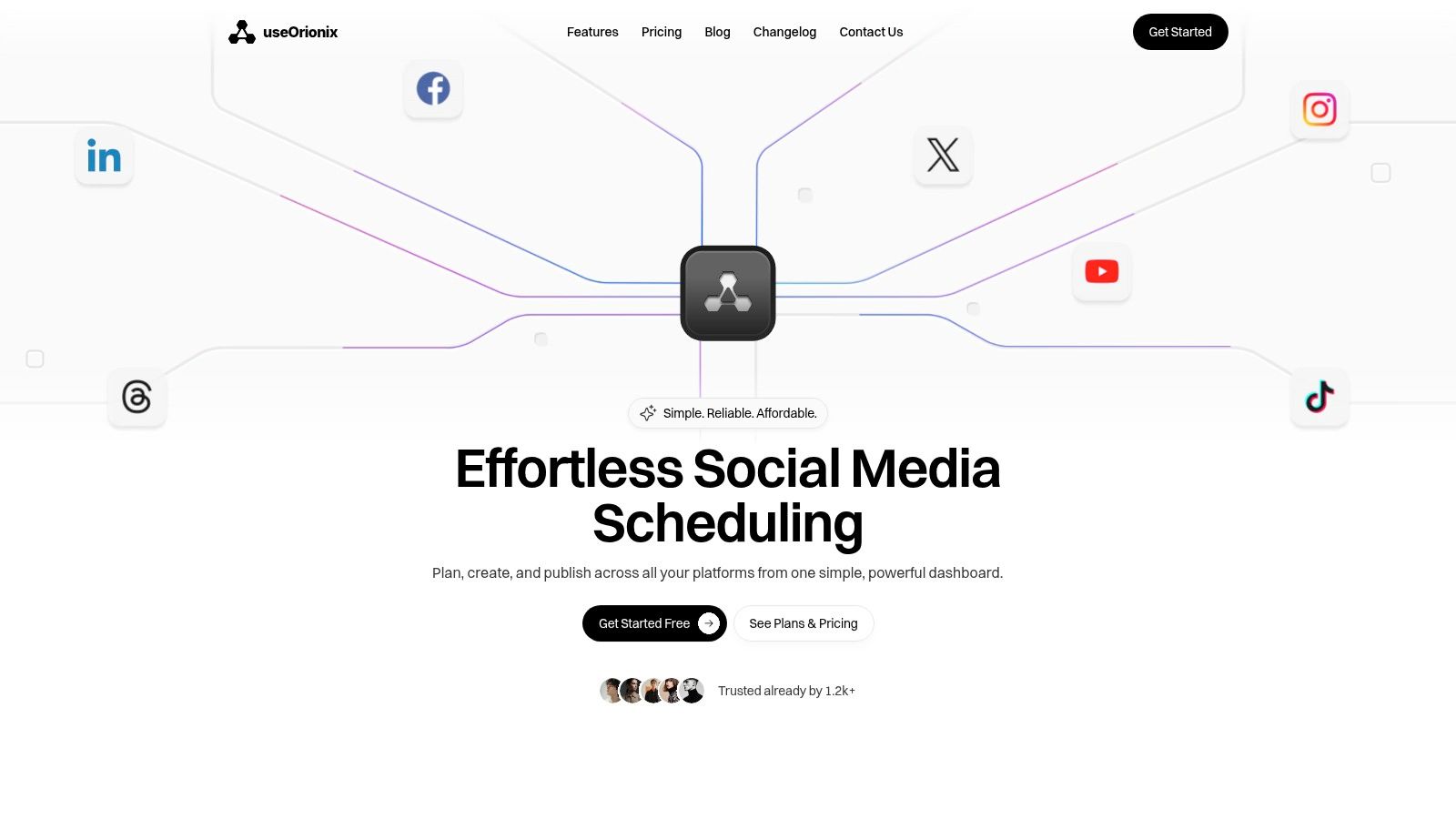
What truly sets it apart are its intelligent workflow features. Smart task routing anticipates your next move, while proactive alerts about connection issues and auto-retries for failed posts provide a layer of reliability that is often missing in free tools. This focus on dependable automation ensures your content strategy is executed flawlessly. For small teams, the in-task collaboration, user roles, and transparent history logs are invaluable, cutting down on back-and-forth communication and streamlining approvals.
Key Features & Limitations
| Feature Breakdown | Details |
|---|---|
| Unified Calendar | Plan, schedule, and visualize content for all networks in one drag-and-drop interface. |
| Smart Workflows | AI-powered suggestions and smart task routing optimize your content creation process. |
| Team Collaboration | Granular user roles, in-task comments, and a complete history log for seamless teamwork. |
| High Reliability | Includes auto-retries for failed posts and real-time connection status alerts. |
| Free Plan Limits | The free tier supports up to 3 social profiles and 10 scheduled posts per profile monthly. |
| Paid Plan Features | Advanced capabilities like custom AI workflows and multi-team coordination are reserved for premium tiers. |
While its free plan is generous, users with heavier scheduling needs may find the 10-post limit restrictive. However, for freelancers and small businesses building their presence, it provides an exceptional foundation with a clear and affordable path to scale as their demands grow.
Website: https://useorionix.com
2. Buffer
Buffer has long been a staple in the social media management world, and its free plan remains one of the best free social media scheduler options available for individuals and emerging brands. It offers a clean, intuitive interface that simplifies the process of planning and scheduling content across multiple platforms, making it exceptionally beginner-friendly.
The free plan allows you to connect up to three social channels (from a list including Instagram, Facebook, X, LinkedIn, Mastodon, and TikTok) and queue up to 10 posts per channel at a time. This “set it and forget it” queue system is perfect for establishing a consistent posting cadence without constant manual intervention. While its free offering is robust, it’s important to understand the limitations. More advanced features, such as in-depth analytics, an engagement inbox, and team collaboration tools, are reserved for paid tiers.
Key Features & Limitations
| Feature/Aspect | Details on Free Plan |
|---|---|
| Supported Channels | Connect up to 3 channels from Instagram, Facebook, TikTok, X (Twitter), LinkedIn, Mastodon, YouTube Shorts, and Pinterest. |
| Scheduling Limits | Queue up to 10 scheduled posts per channel. |
| Unique Selling Point | The streamlined user experience and reliable "queue" workflow make it incredibly easy to get started. Its AI Assistant also helps generate ideas and rephrase copy, even on the free plan. |
| Limitations | The 10-post queue limit per channel can feel restrictive for high-volume content strategies. Engagement tools and detailed performance analytics are locked behind a paywall, making it less ideal for those focused on community management or data-driven optimization. |
| Best For | Individuals, freelancers, and small businesses who need a simple, reliable tool to maintain a consistent social media presence without a steep learning curve. If you're new to scheduling, Buffer is an excellent starting point. For more advanced strategies, you might explore various social media marketing services. |
| Website | https://buffer.com/pricing |
3. Zoho Social (Free Edition)
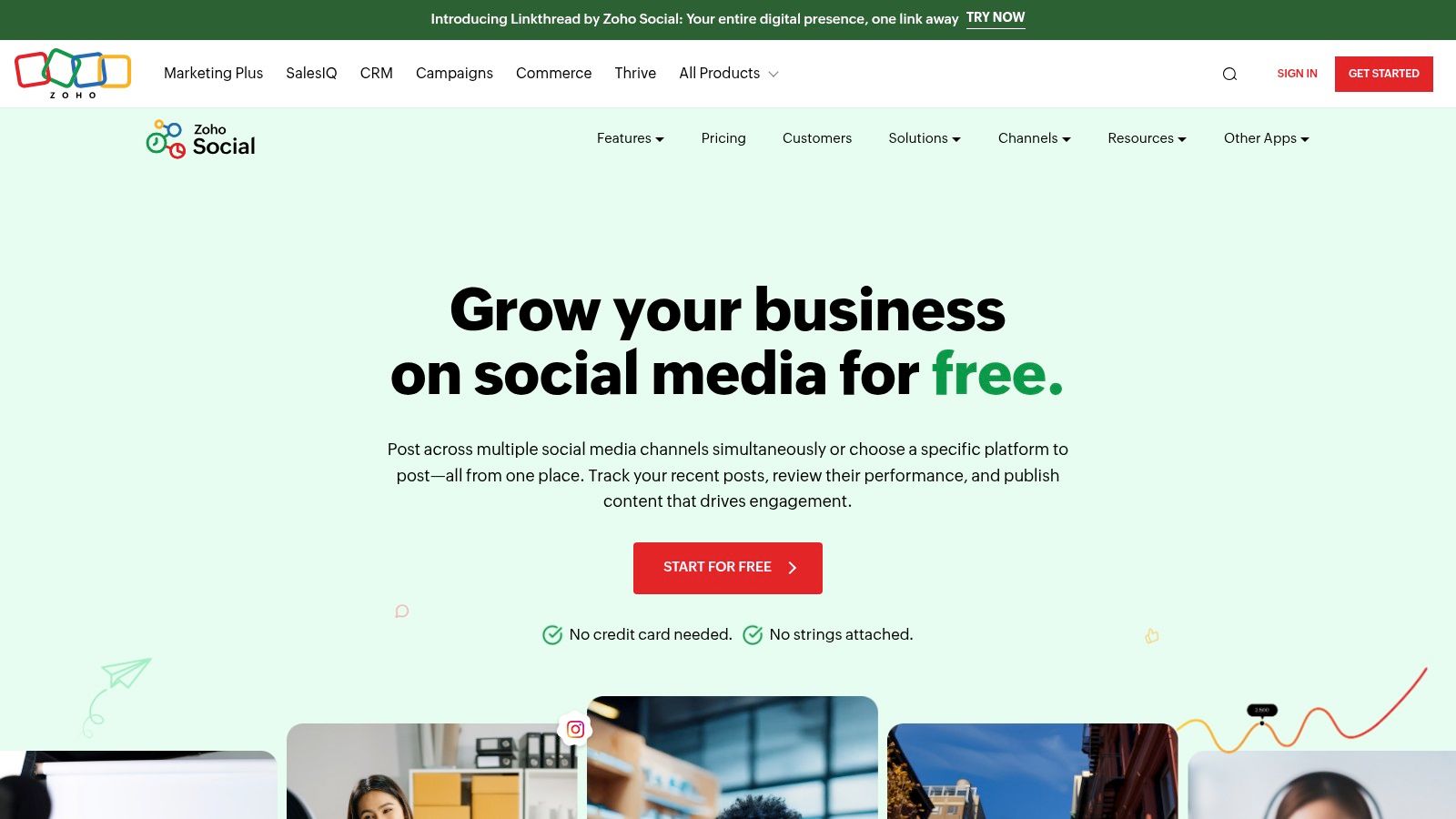
Zoho Social stands out in the crowded market by offering a genuinely unlimited free plan, making it an exceptional free social media scheduler for those who prioritize volume. Unlike many competitors that cap monthly posts, Zoho allows a single user to manage one brand and publish as much content as they need across major channels. This makes it a powerhouse for solopreneurs and small businesses focused on maintaining a high-frequency posting schedule without incurring costs.
The platform is part of the larger Zoho ecosystem, which is a significant advantage if you already use or plan to use their other business tools like Zoho CRM. The interface is clean and functional, providing essential publishing tools, a browser extension for easy content sharing, and basic performance stats for recent posts. While advanced analytics and team features are reserved for paid plans, the core scheduling functionality is robust and completely free, with no credit card required to start.
Key Features & Limitations
| Feature/Aspect | Details on Free Plan |
|---|---|
| Supported Channels | Connect 1 brand profile across Facebook, X (Twitter), LinkedIn, Instagram, and Google Business Profile. |
| Scheduling Limits | Truly unlimited monthly posts for one user. |
| Unique Selling Point | The unlimited post count on the free plan is a game-changer, removing a major restriction found in most free tools. Its integration potential within the broader Zoho suite is also a unique benefit. |
| Limitations | The free plan is strictly for one user and one brand, making it unsuitable for teams or agencies managing multiple clients. Advanced analytics, collaboration tools, and the content calendar view are locked behind paid tiers. |
| Best For | Solopreneurs, freelancers, and single-brand businesses who need a reliable, high-volume scheduling tool without the pressure of post limits. It's a perfect choice for users who want a powerful scheduler and may eventually scale into a full business software ecosystem. |
| Website | https://www.zoho.com/social/free-edition.html |
4. Metricool
Metricool stands out as an all-in-one planning, scheduling, and analytics platform, making it a powerful contender for the best free social media scheduler, especially for solo creators. It combines a user-friendly interface with data-driven insights, offering a more analytical approach to social media management than many other free tools. The visual, drag-and-drop calendar is a highlight, providing a clear overview of your entire content plan at a glance.
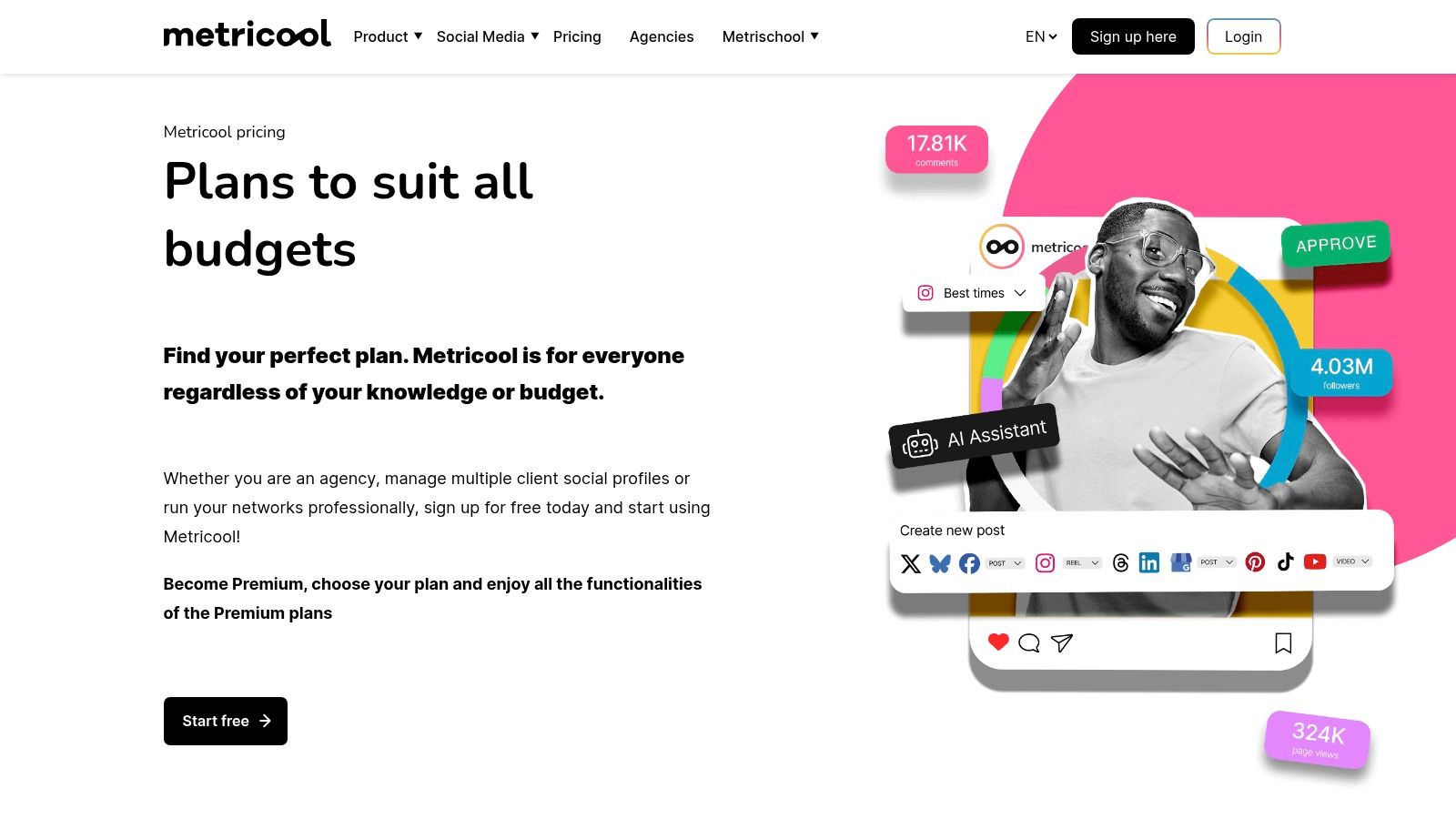
The free plan is generous, allowing for one brand connection with up to 50 scheduled posts per month across various platforms. This capacity is ample for individuals or small businesses establishing their online presence. While it offers impressive features like "best time to post" guidance and competitor tracking on its free tier, some key platforms like LinkedIn and X (Twitter) are notably absent or require paid add-ons, and advanced reporting is reserved for premium users.
Key Features & Limitations
| Feature/Aspect | Details on Free Plan |
|---|---|
| Supported Channels | Connect one profile per platform for Facebook, Instagram, TikTok, Pinterest, YouTube, Google Business Profile, and Twitch. LinkedIn and X (Twitter) are not included in the free plan. |
| Scheduling Limits | Schedule up to 50 posts per month for one brand. |
| Unique Selling Point | The combination of a visual drag-and-drop planner, best-time-to-post recommendations, and basic competitor analysis in a single free tool provides a holistic view of content strategy. |
| Limitations | The 50-post monthly limit can be restrictive for active accounts. The exclusion of LinkedIn and X on the free plan is a significant drawback for B2B marketers or those active on those platforms. |
| Best For | Solo creators, bloggers, and small businesses who value data-backed scheduling and want a visual planner to manage their content. It's ideal for those focused on platforms like Instagram, Facebook, and TikTok. |
| Website | https://metricool.com/pricing/ |
5. Publer
Publer is a versatile and user-friendly platform that has carved out a niche as one of the best free social media scheduler options, particularly for users who appreciate practical, quality-of-life features. Its clean interface and straightforward workflow make it easy to manage multiple accounts without feeling overwhelmed, offering a generous free plan that balances functionality with clear limitations.
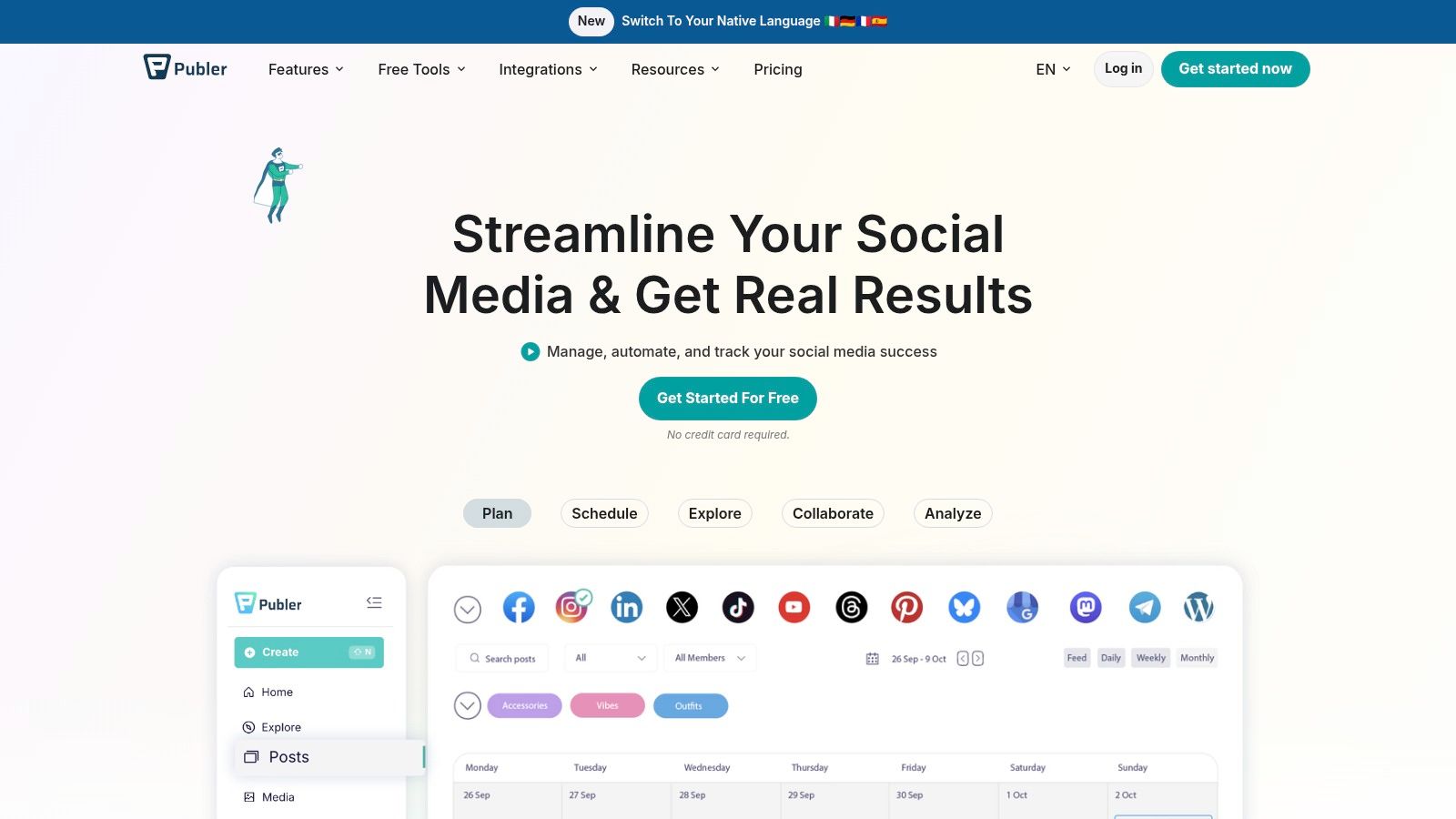
The free plan supports up to three social accounts and allows you to schedule 10 posts per account. What sets Publer apart are the small but powerful additions, like a basic link-in-bio tool, Canva and Unsplash integrations, and the ability to use URL shorteners with UTM parameters. These features are often paywalled on other platforms, making Publer’s free tier surprisingly robust for light users and solopreneurs. While it provides a solid foundation, advanced analytics and a full post history are reserved for paid upgrades.
Key Features & Limitations
| Feature/Aspect | Details on Free Plan |
|---|---|
| Supported Channels | Connect up to 3 channels from Facebook, Instagram, X (Twitter), LinkedIn, Pinterest, Google Business Profile, and YouTube. |
| Scheduling Limits | Schedule up to 10 posts per social account at any given time. Includes access to a calendar view and post drafts. |
| Unique Selling Point | The inclusion of value-add features like Canva integration, a basic link-in-bio page, and URL shorteners with UTM tracking makes its free plan feel more complete than many competitors. |
| Limitations | The free plan only shows post history for the last 24 hours, which makes performance tracking difficult. Advanced features like detailed analytics, team collaboration, and posting certain media types (like Instagram Reels) require a paid subscription. |
| Best For | Solopreneurs, freelancers, and small businesses who need a simple yet feature-rich scheduler without an immediate budget. Its practical tools are perfect for setting up a streamlined workflow, which you can organize with a proper social media content calendar. |
| Website | https://publer.io |
6. PLANOLY
PLANOLY carved its niche as the go-to visual planner for Instagram, and its free plan continues to serve creators who prioritize aesthetics. While it has expanded to support other platforms, its core strength remains its drag-and-drop grid preview, which allows users to perfect the look and feel of their Instagram feed before a single post goes live. It’s an essential tool for brands and influencers whose visual identity is paramount.
The free personal plan is quite limited but offers a solid entry point. It includes one social set (e.g., Instagram, Pinterest, Facebook, X), one user, and allows for 10 uploads per workspace per month. This makes it a great choice for those who post infrequently but care deeply about visual cohesion. However, for more active users, the upload limit is a significant constraint, and key features like the AI Caption Writer and advanced analytics are only available on paid tiers.
Key Features & Limitations
| Feature/Aspect | Details on Free Plan |
|---|---|
| Supported Channels | 1 social set, including platforms like Instagram, Pinterest, Facebook, and X (Twitter). |
| Scheduling Limits | Limited to 10 uploads per workspace each month. |
| Unique Selling Point | The best-in-class visual grid preview for Instagram is its standout feature, allowing users to meticulously plan their feed's aesthetic. |
| Limitations | The 10-upload-per-month limit is extremely restrictive for any consistent content strategy. Most powerful features, including the AI Caption Writer, hashtag grouping, and detailed analytics, are locked behind paid plans, making the free version a very basic visual planner. |
| Best For | Instagram-first creators, artists, and brands who need a powerful tool to visually plan their feed. If your primary goal is curating a perfect grid aesthetic and you post sparingly, PLANOLY is an excellent free social media scheduler. |
| Website | https://www.planoly.com/pricing |
7. Tailwind
Tailwind has carved out a niche as the go-to scheduler for visual-first platforms, making it an exceptional free social media scheduler for creators and brands focused on Pinterest and Instagram. Its platform is built around content creation, discovery, and community, moving beyond simple scheduling to help you grow your audience on these highly visual networks. The interface is designed to optimize workflows specific to Pinterest and Instagram, offering unique tools you won't find in more generalized schedulers.
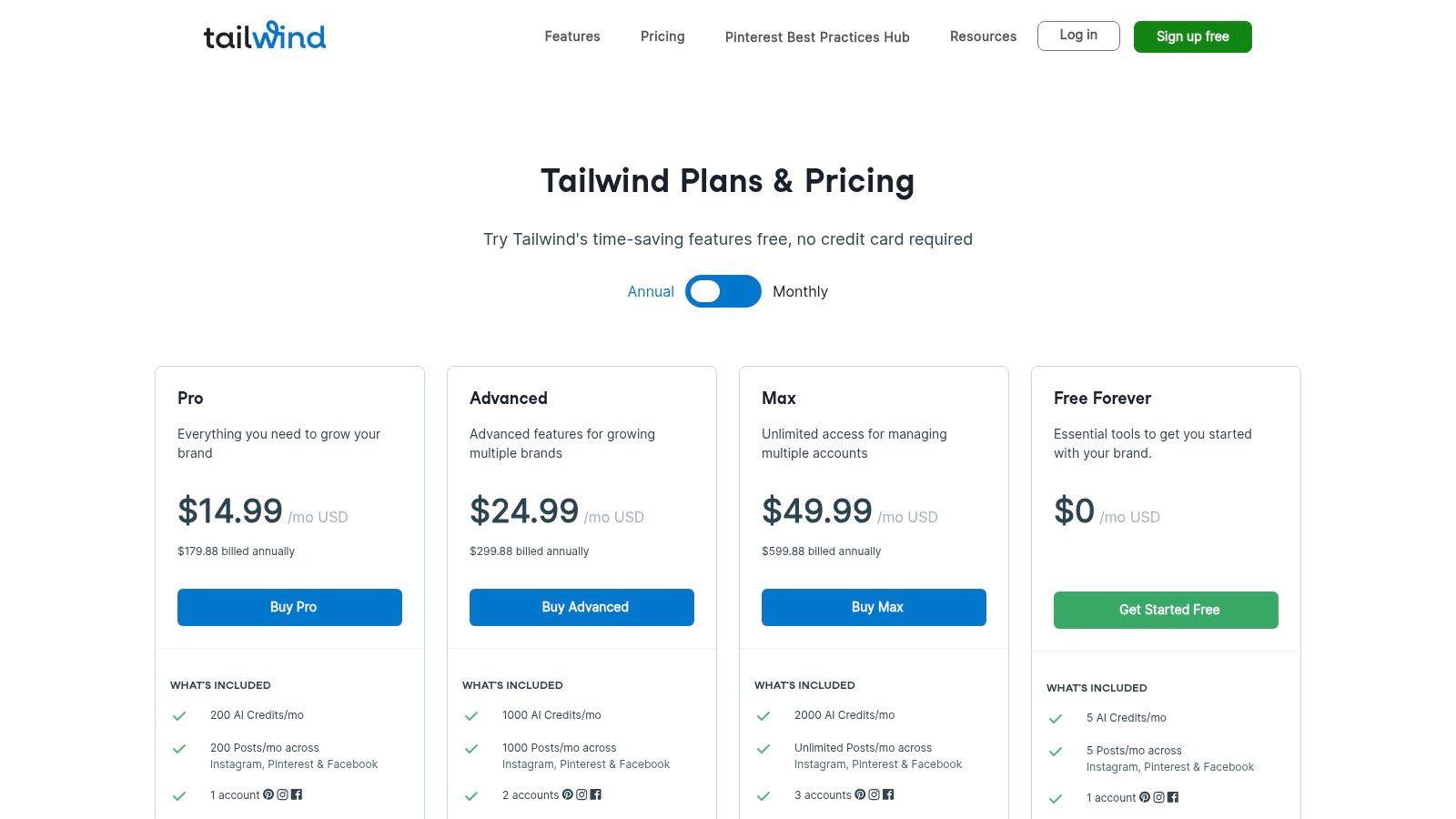
The free-forever plan is designed as a starting point, offering a glimpse into its powerful ecosystem. It includes connections for one Pinterest and one Instagram profile, along with access to its Smart.Bio link-in-bio tool. While the posting limits are restrictive, the plan's value lies in its creative and community features, including limited access to Tailwind Communities (niche groups for sharing content) and AI-powered creative tools.
Key Features & Limitations
| Feature/Aspect | Details on Free Plan |
|---|---|
| Supported Channels | Connect 1 Pinterest profile and 1 Instagram profile. |
| Scheduling Limits | Up to 20 posts total per month across all connected profiles. |
| Unique Selling Point | The deep integration with Pinterest, including Tailwind Communities for content amplification and an AI-powered design tool (Tailwind Create). Its Smart.Bio tool is also a powerful free addition for driving traffic from your Instagram bio. |
| Limitations | The 20-post monthly limit is very low and may not be sufficient for maintaining a consistent presence. Advanced analytics, unlimited scheduling, and full access to Tailwind Create and Communities require a paid subscription. The platform is less effective for text-based networks. |
| Best For | Bloggers, Etsy sellers, content creators, and e-commerce brands who rely heavily on Pinterest and Instagram for traffic and sales. It’s an ideal tool for those who want to test out a platform specifically designed for visual marketing before committing to a paid plan. |
| Website | https://www.tailwindapp.com/pricing-overview |
8. Meta Business Suite
For those focused exclusively on Facebook and Instagram, Meta’s own Business Suite is arguably the best free social media scheduler you can use. As the official, native tool, it offers seamless integration for scheduling posts, Stories, and Reels across both platforms without needing any third-party access. It’s built directly into the management interface you already use, eliminating the learning curve associated with a new platform.
The free tool allows you to schedule content from 20 minutes to 29 days in advance and provides a helpful "Planner" calendar view. This calendar even suggests optimal posting times based on when your audience is most active. While it lacks the multi-platform support of other tools, its direct integration and reliability for Meta’s ecosystem are unmatched. It simplifies the workflow by keeping all your Facebook and Instagram management, from publishing to inbox, in one place.
Key Features & Limitations
| Feature/Aspect | Details on Free Plan |
|---|---|
| Supported Channels | Facebook Pages and Instagram Business/Creator accounts. |
| Scheduling Limits | No hard limit on the number of posts, but scheduling is capped at 29 days in advance. |
| Unique Selling Point | Being the 100% free and native scheduler ensures perfect integration and access to features like scheduling Stories and Reels directly, which can sometimes be finicky with third-party apps. |
| Limitations | Strictly limited to Meta platforms (Facebook and Instagram). The user interface can sometimes be buggy or slow, and its analytics are less advanced compared to specialized social media management tools. |
| Best For | Brands, creators, and small businesses whose social media strategy is centered entirely on Facebook and Instagram. It’s perfect for those who want a simple, integrated solution without the cost or complexity of a third-party tool. For more information, check out these tips for cross-posting on social media. |
| Website | https://business.facebook.com |
9. Pinterest Business (native scheduler)
For creators and brands heavily invested in a single platform, sometimes the native tool is the most efficient option. Pinterest's built-in scheduler, available with a free Business account, is a prime example of a simple yet effective free social media scheduler designed for its own ecosystem. It allows users to schedule Pins directly within the platform, eliminating the need for third-party integrations for basic content planning.
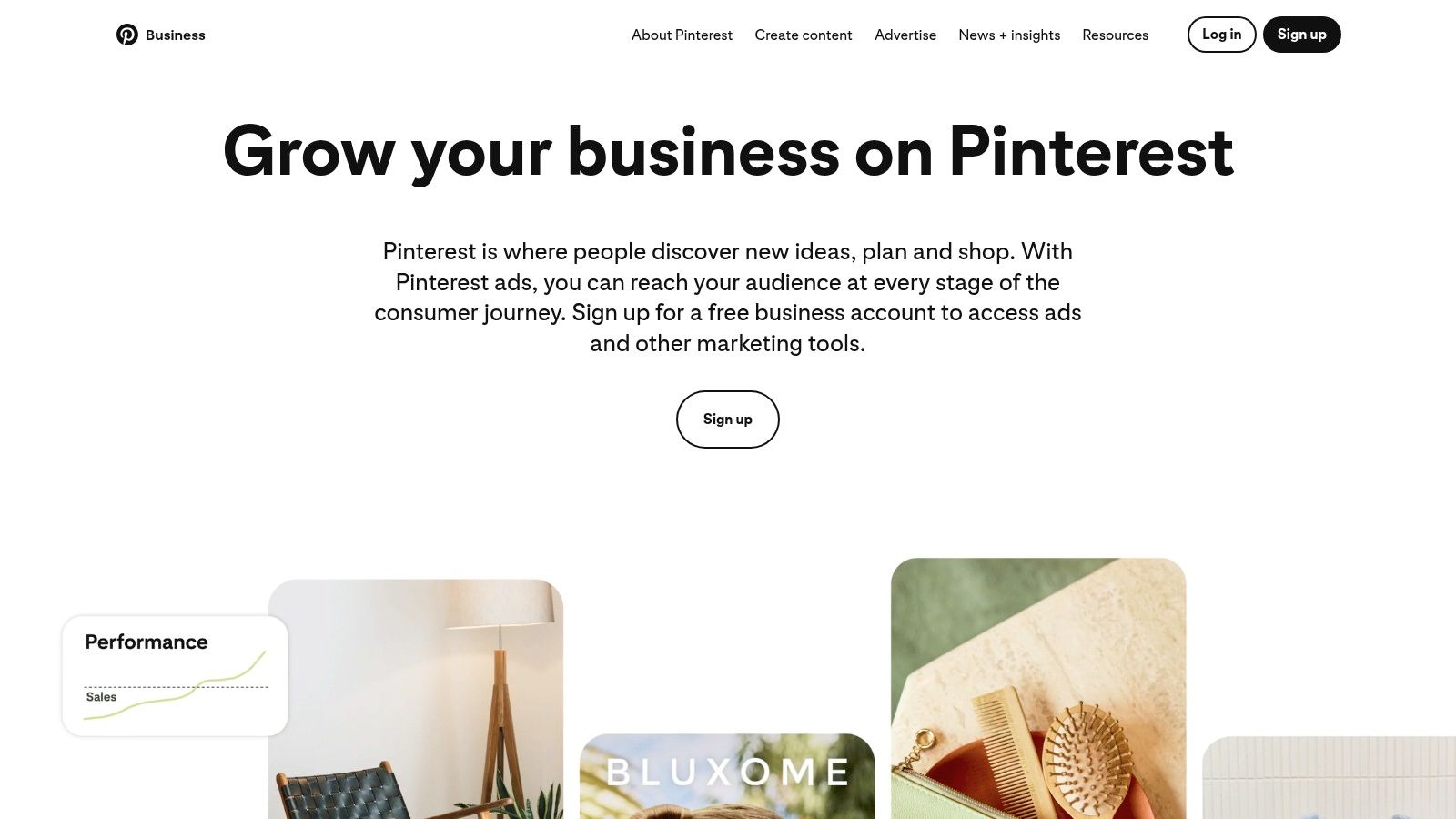
The free tool lets you schedule up to 10 Pins at a time, planning content up to 30 days in advance. While it lacks the bulk scheduling, analytics, and cross-platform capabilities of dedicated management tools, its seamless integration into the Pinterest workflow is its greatest strength. For businesses whose primary social channel is Pinterest, this native scheduler provides a straightforward way to maintain a consistent posting schedule without adding another tool to their stack.
Key Features & Limitations
| Feature/Aspect | Details on Free Plan |
|---|---|
| Supported Channels | Pinterest only. |
| Scheduling Limits | Schedule up to 10 Pins at a time, up to 30 days in advance. |
| Unique Selling Point | As a native tool, it offers a perfectly seamless and reliable scheduling experience within the Pinterest interface. There are no API issues or formatting errors that can sometimes occur with third-party apps. |
| Limitations | The functionality is extremely basic. It's limited to Pinterest only, has a small queue limit, and offers no advanced analytics, content calendar view, or team collaboration features. It's purely a "schedule and publish" tool. |
| Best For | Etsy sellers, bloggers, e-commerce stores, and brands whose marketing strategy is heavily centered on Pinterest. It's ideal for users who just need a simple, free way to plan their Pins without the complexity of an external platform. |
| Website | https://business.pinterest.com |
10. TikTok (Video Scheduler on desktop)
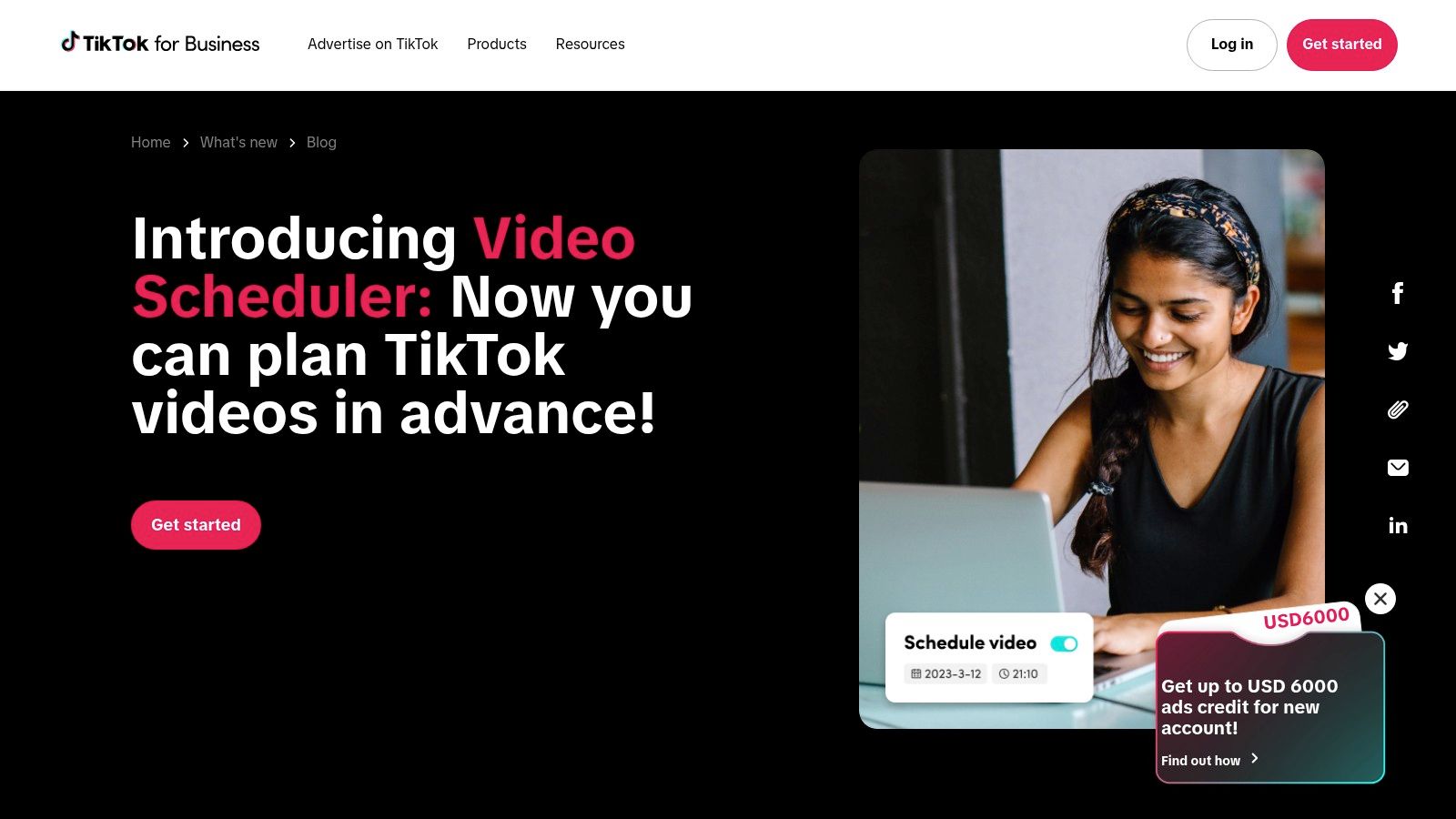
While not a third-party tool, TikTok’s own native Video Scheduler is an essential, often overlooked, and completely free social media scheduler for anyone focused on the platform. Accessible via desktop for Business or Creator accounts, it allows you to plan and upload content in advance, ensuring your videos go live at optimal times to reach your audience. This direct integration guarantees reliability and eliminates any potential API issues that can sometimes arise with external tools.
It’s a straightforward solution designed for one purpose: scheduling TikToks. You can schedule a video from 15 minutes to 10 days in the future, and you'll receive a push notification once it's successfully published. The main drawback is its rigidity; once a video is scheduled, you cannot edit the caption or other details without deleting the post and re-uploading it entirely. Despite this, its native functionality makes it a must-know feature for dedicated TikTok creators.
Key Features & Limitations
| Feature/Aspect | Details on Free Plan |
|---|---|
| Supported Channels | TikTok only. Requires a Business or Creator account. |
| Scheduling Limits | Unlimited scheduled posts, but each can only be scheduled up to 10 days in advance. |
| Unique Selling Point | As a native tool, it offers perfect reliability and is completely free. It’s the most direct way to schedule TikTok content without relying on third-party integrations. |
| Limitations | The scheduler is only available on desktop, and the 10-day scheduling window is quite short for long-term planning. Editing a scheduled post requires deleting and re-uploading, which is a significant drawback. |
| Best For | Content creators and brands whose primary focus is TikTok. It’s perfect for planning content around peak audience engagement times without the cost or complexity of a multi-platform tool. |
| Website | https://ads.tiktok.com/business/en/blog/introducing-video-scheduler-now-you-can-plan-tiktoks-in-advance |
11. YouTube Studio (native scheduler)
While not a multi-platform tool, YouTube’s own native scheduler is an essential and powerful free social media scheduler for any video creator. Built directly into the YouTube Studio dashboard, it allows creators to upload videos and set them to publish at a specific future date and time. This functionality is crucial for maintaining a consistent content cadence, which is a key factor for audience growth and engagement on the platform.
The tool is incredibly straightforward: during the upload process, you simply select "Schedule" on the final "Visibility" screen and pick your desired publication time. This allows you to batch-produce and upload content, ensuring your channel remains active even when you're busy or away. Beyond standard videos, it also supports scheduling for YouTube Premieres and Shorts, giving you full control over your channel's content strategy without needing any third-party software for your YouTube-specific workflow.
Key Features & Limitations
| Feature/Aspect | Details on Free Plan |
|---|---|
| Supported Channels | Exclusively for YouTube. It does not connect to or post on any other social media network. |
| Scheduling Limits | No hard limit on the number of videos you can schedule. Creators can upload and schedule as much content as they need in advance. |
| Unique Selling Point | As a native tool, it offers perfect integration and reliability. You get access to all YouTube features like Premieres, visibility settings (Public, Private, Unlisted), and monetization options directly within the scheduling workflow. |
| Limitations | Its biggest limitation is its single-platform focus. It's a video-only scheduler for YouTube and cannot be used to manage content on Facebook, Instagram, X, or any other network, requiring creators to use another tool for their broader social media presence. |
| Best For | Video creators, vloggers, and brands whose primary content focus is YouTube. It's the ideal, no-cost solution for managing a consistent video publishing schedule without leaving the platform's ecosystem. |
| Website | https://studio.youtube.com |
12. G2 – Best Free Social Media Management Tools (comparison hub)
While not a scheduler itself, G2's comparison hub is an indispensable resource for anyone searching for the best free social media scheduler. Instead of offering a direct tool, it provides a powerful, user-driven platform to discover and compare dozens of options with legitimate free-forever plans. It aggregates real user reviews, ratings, and feature checklists, allowing you to filter results based on your specific needs, like team size or required integrations.
This meta-resource saves you the exhaustive process of individually vetting each platform. It helps you see beyond marketing claims by presenting authentic user feedback, highlighting both the strengths and weaknesses of each tool’s free tier. By using its filters, you can quickly identify which platforms offer the features you need without a price tag, making it a crucial first stop in your research.
Key Features & Limitations
| Feature/Aspect | Details on Free Plan |
|---|---|
| Supported Channels | N/A – It's a discovery platform that lists tools supporting all major social networks. |
| Scheduling Limits | N/A – G2 provides information on the limits of other tools. |
| Unique Selling Point | The aggregation of verified user reviews and granular filters allows you to compare the real-world usability of various free plans, saving significant research time. |
| Limitations | Information can occasionally lag behind vendor updates, and some listings might prioritize free trials over truly free-forever plans. It requires an extra step before you can start scheduling. |
| Best For | Anyone in the research phase. It’s perfect for freelancers, marketer… |